
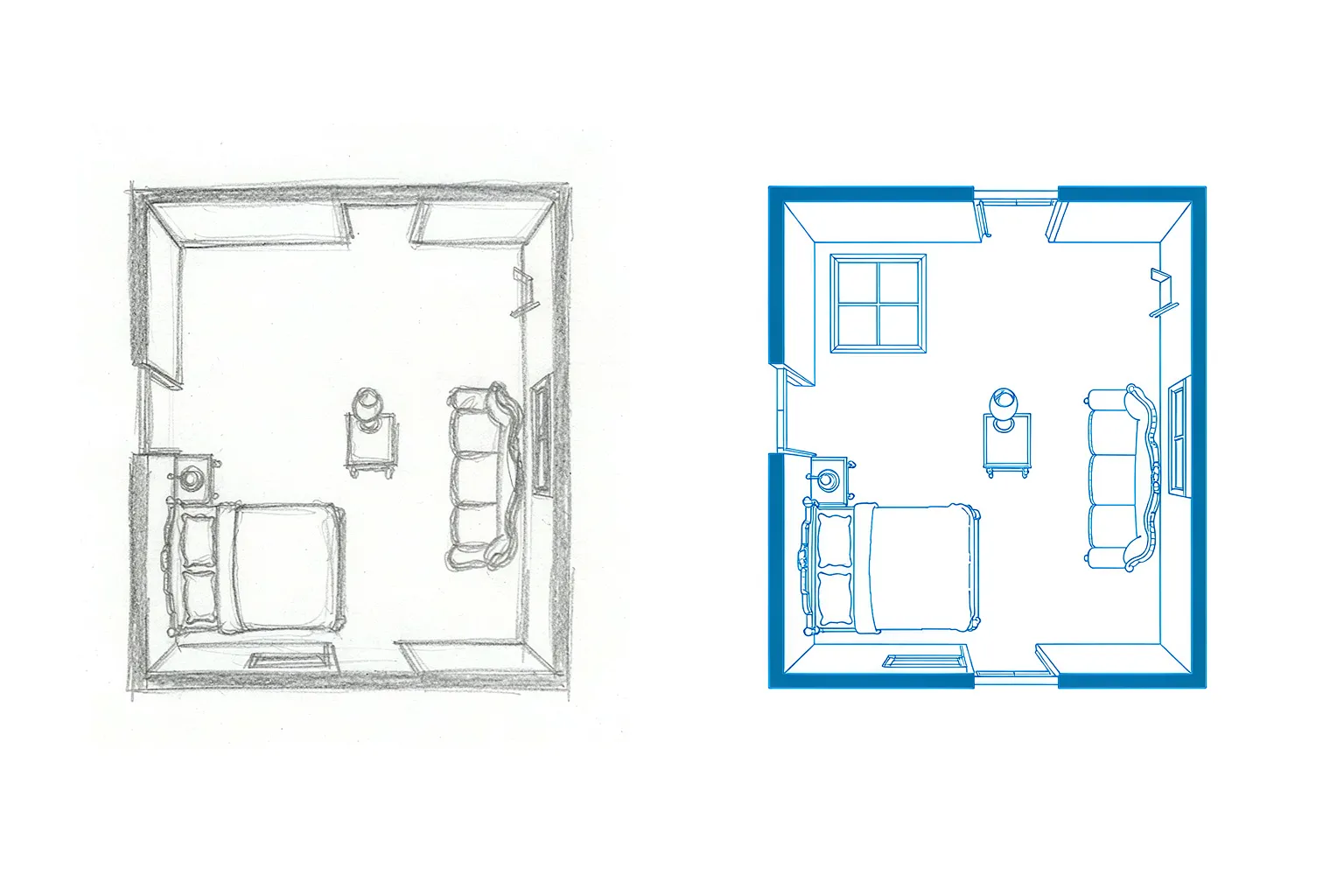
Hand-Drawn Sketches to CAD
Convert hand-drawn sketches into precise DWG files for AutoCAD. No need to redraw your rough ideas in CAD—the image to DWG converter does it for you.
Free online image to DWG converter. Upload a JPG, PNG, or photo and turn it into an editable AutoCAD DWG file no sign up required. Convert image to DWG in seconds with AI-powered vectorization.
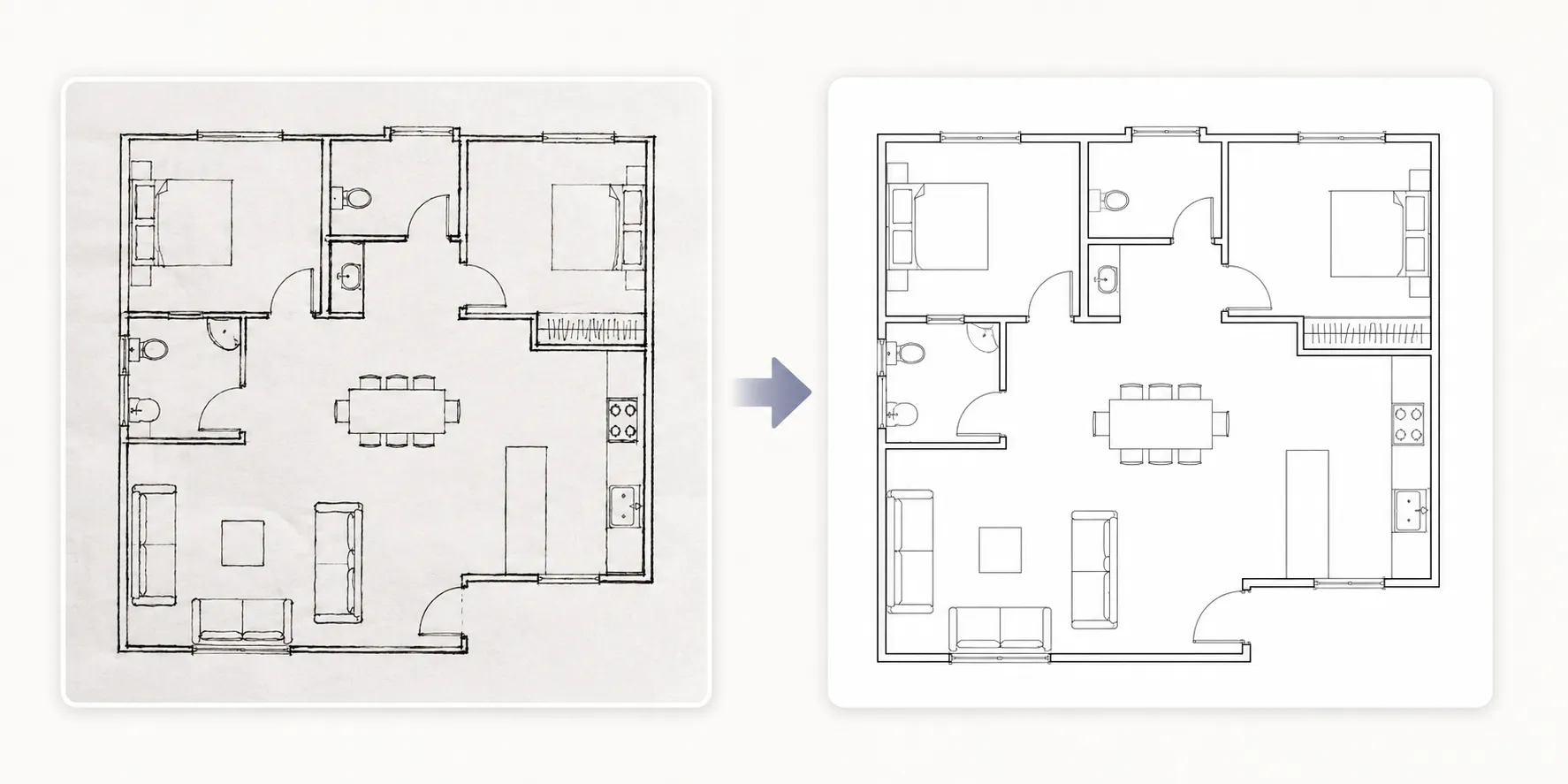
Convert any image into an editable DWG file with crisp lines and accurate shapes.
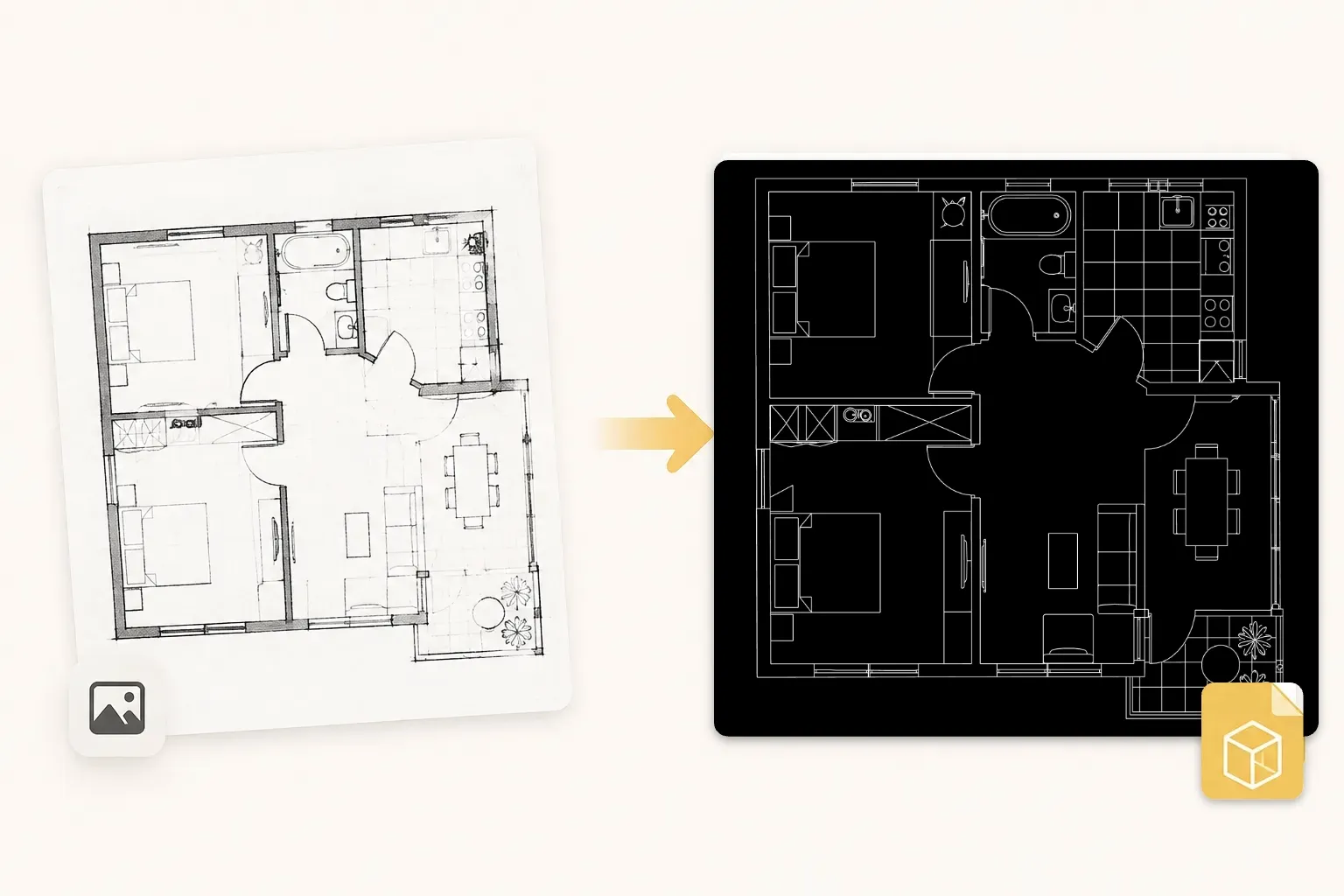
Convert JPG to DWG in seconds. Upload a JPG image and get a clean, editable DWG file ready for AutoCAD no manual tracing, no CAD skills required.
Upload any JPG image and our AI vectorizes it into a DWG in seconds. Your raster picture becomes clean CAD lines, arcs, and layers that AutoCAD can open and edit right away.
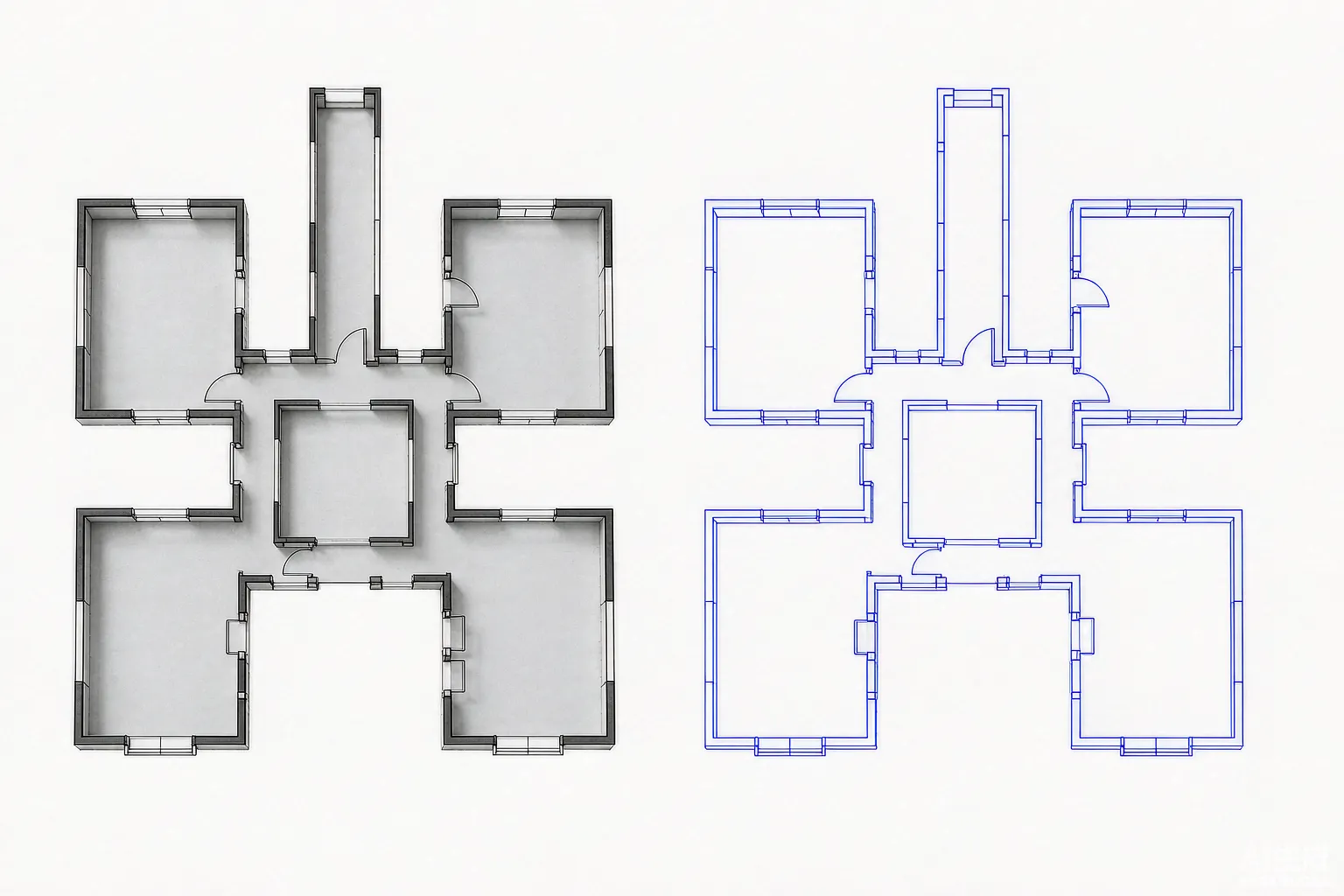
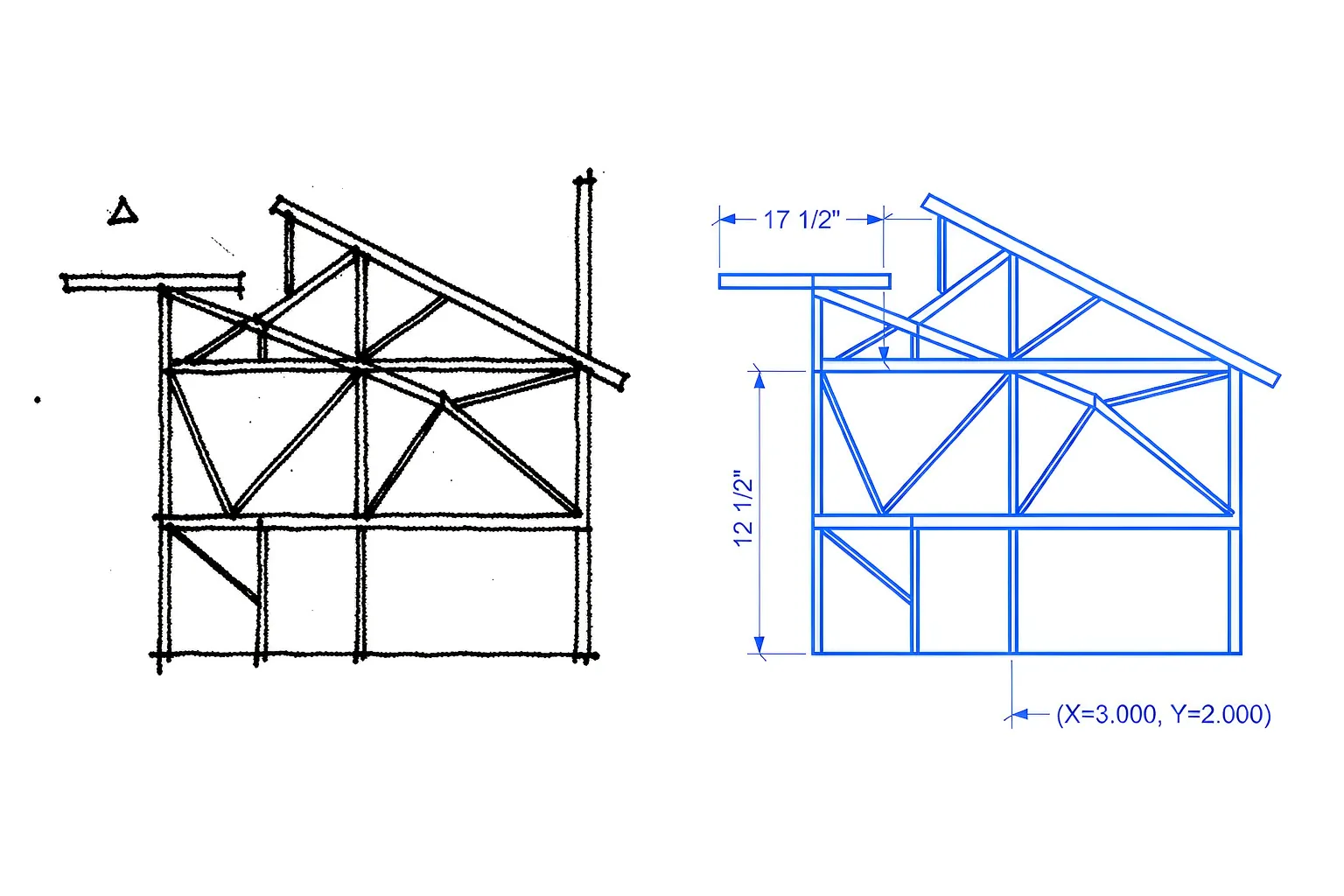
The image to DWG converter recognizes lines, curves, and text in your JPG, then rebuilds them as precise vector geometry so the DWG stays crisp at any zoom level.
See your raster JPG side by side with the generated DWG. The converter shows exactly what it detected, so you can confirm the result before you download.
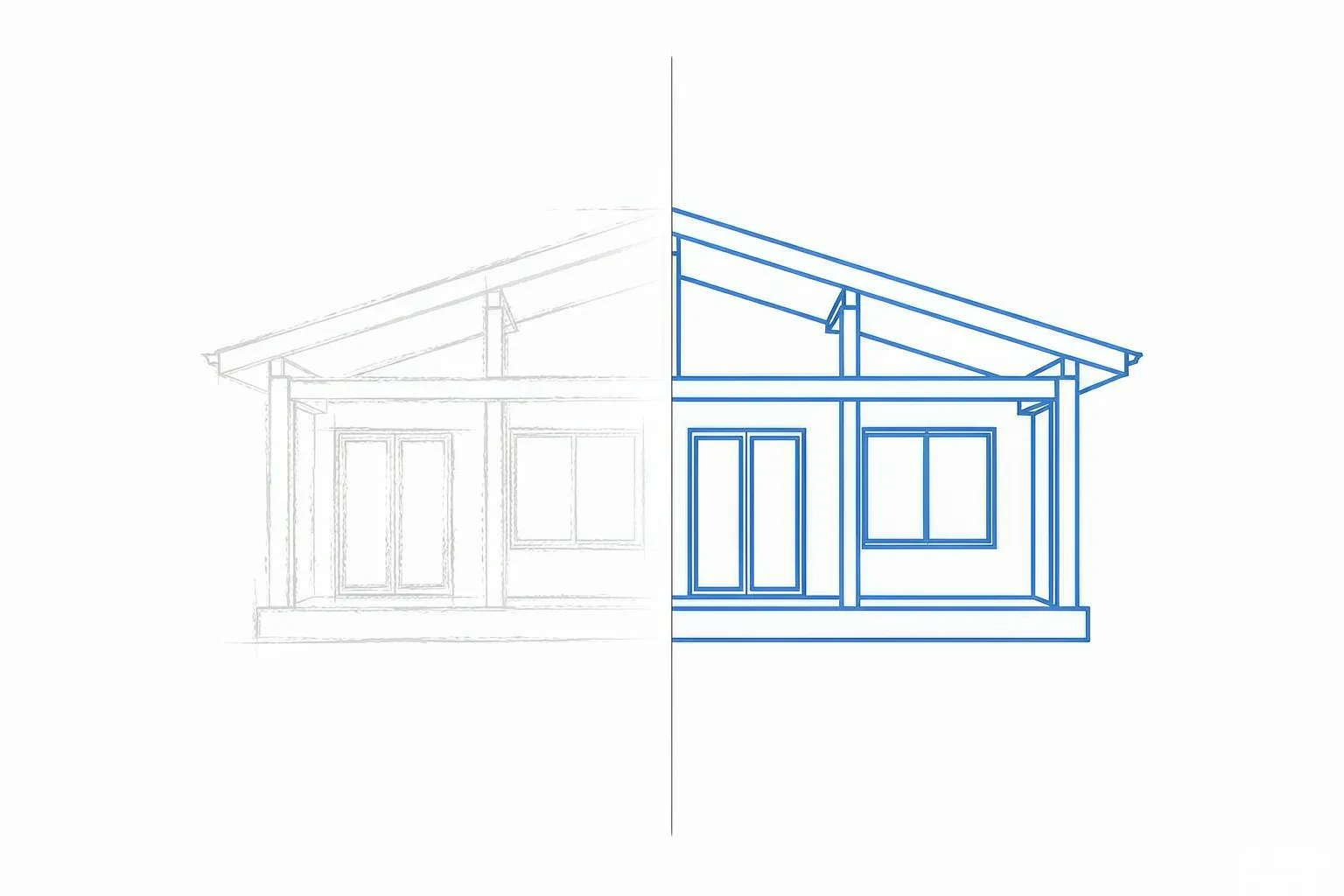
Convert PNG to DWG with high accuracy. Our AI preserves the fine details in your image thin lines, small text, and complex shapes so the DWG output stays true to the original.
Convert PNG to DWG with high accuracy. The AI detects thin lines, small text, and complex shapes in your image and rebuilds them as precise CAD geometry you can edit in AutoCAD.
Every line, curve, and text block in your PNG is preserved in the DWG. Nothing is lost when you zoom in, scale, or edit the converted file in AutoCAD.
Preview the vectorized result before you download. The built-in preview window lets you check line accuracy and confirm the DWG matches your original image.
Convert PNG to DWG in seconds, not minutes. The converter processes your image and returns a downloadable DWG almost instantly.
The DWG output is organized into clean layers lines, text, and shapes stay separate, so you can edit each element independently in AutoCAD.
Download a DWG file that opens directly in AutoCAD and other CAD software. Your converted drawing is ready for editing, printing, or sharing.
Convert image to DWG online in three simple steps no software install, no CAD skills required.
Upload your JPG, PNG, or photo. The image to DWG converter accepts any common image format, so you can start right away.
The AI detects lines, curves, and text, then rebuilds them as clean CAD geometry. Preview the result before you download.
Download your DWG file, ready to open and edit in AutoCAD and other CAD software.
Convert hand-drawn sketches into precise DWG files for AutoCAD. No need to redraw your rough ideas in CAD—the image to DWG converter does it for you.
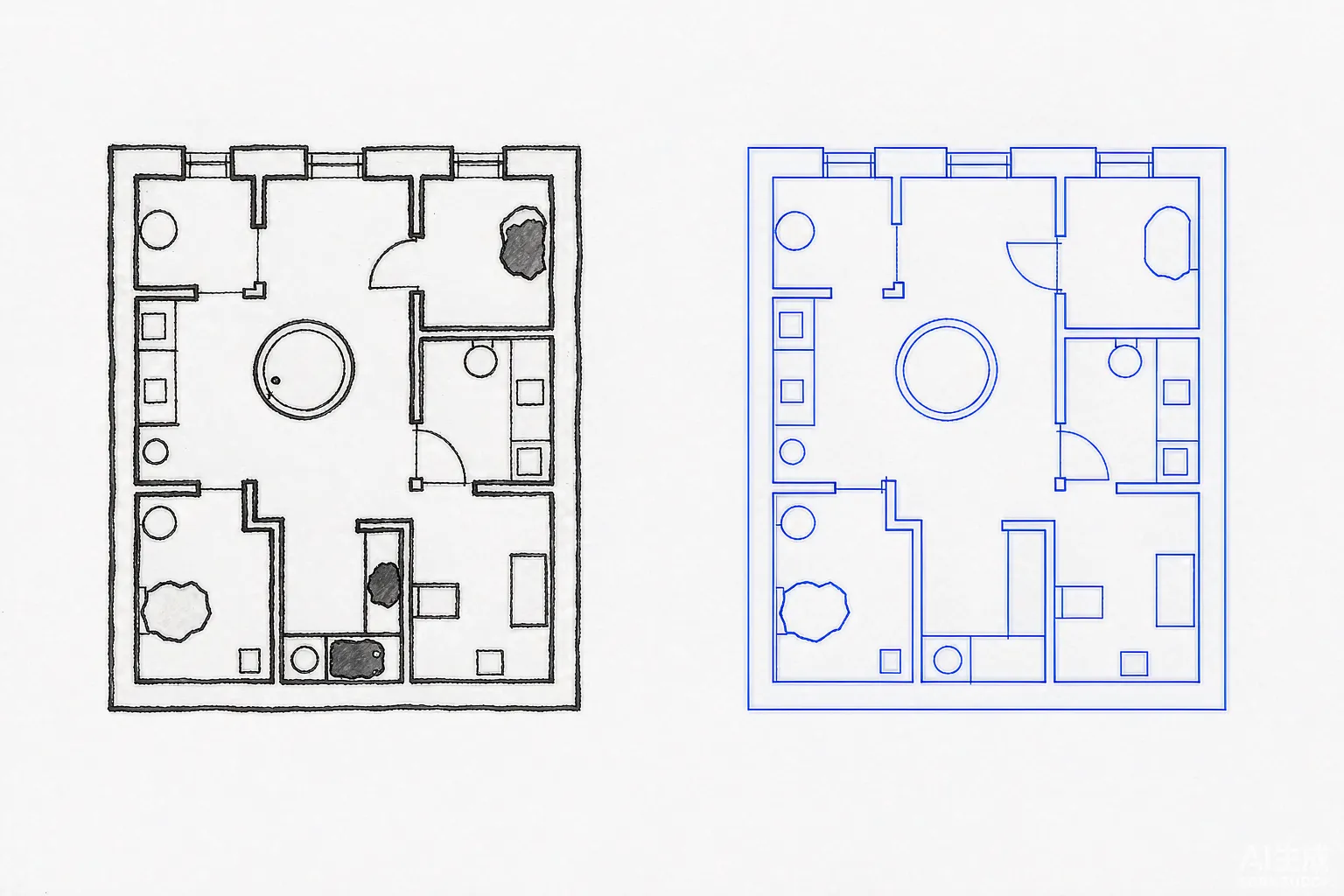
Turn floor plan photos from listings into editable DWG files. Give clients accurate CAD drawings they can measure, quote, and build from.
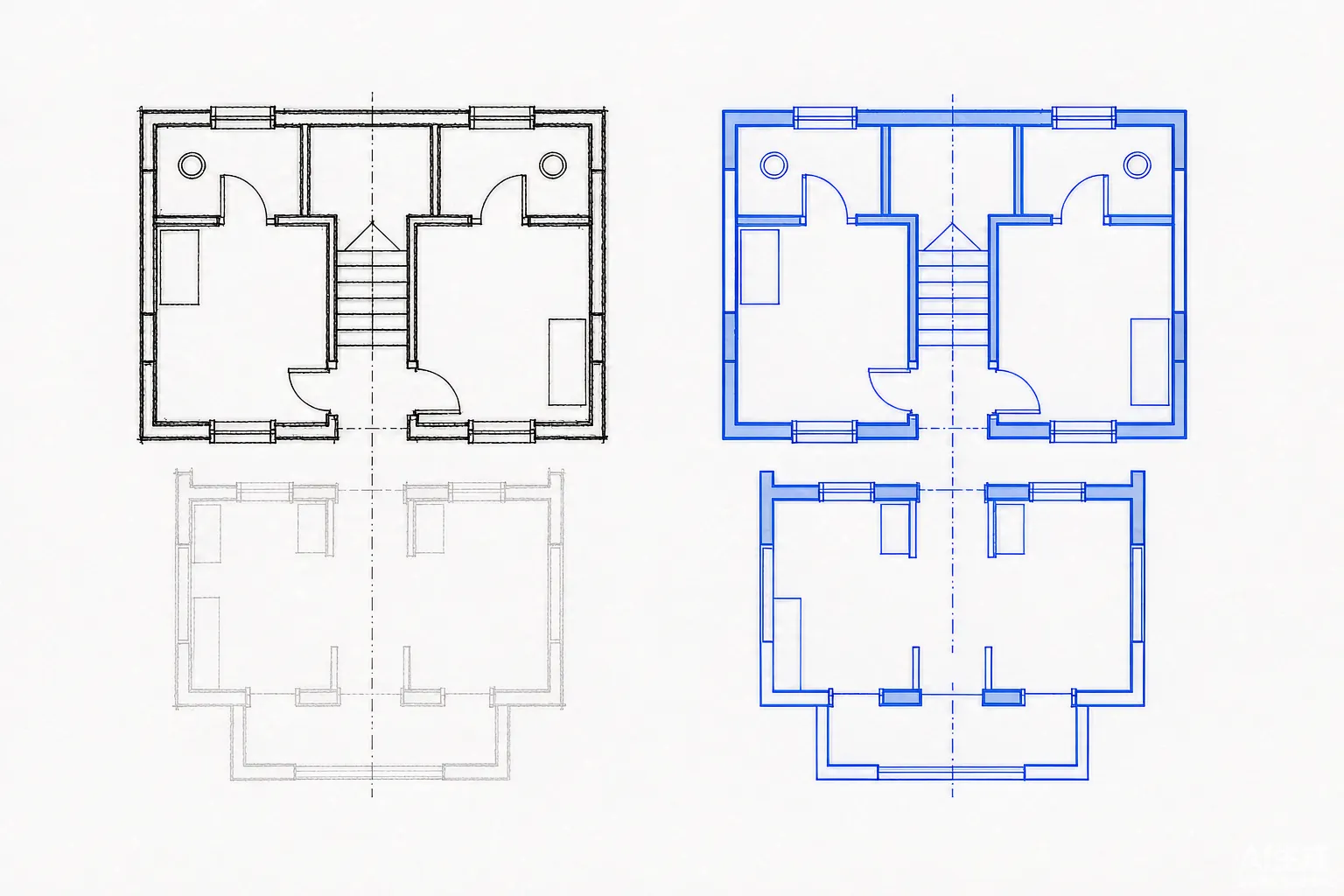
Convert scanned blueprints and old paper drawings into clean, layered DWG files. Bring legacy plans into AutoCAD and modern CAD workflows.
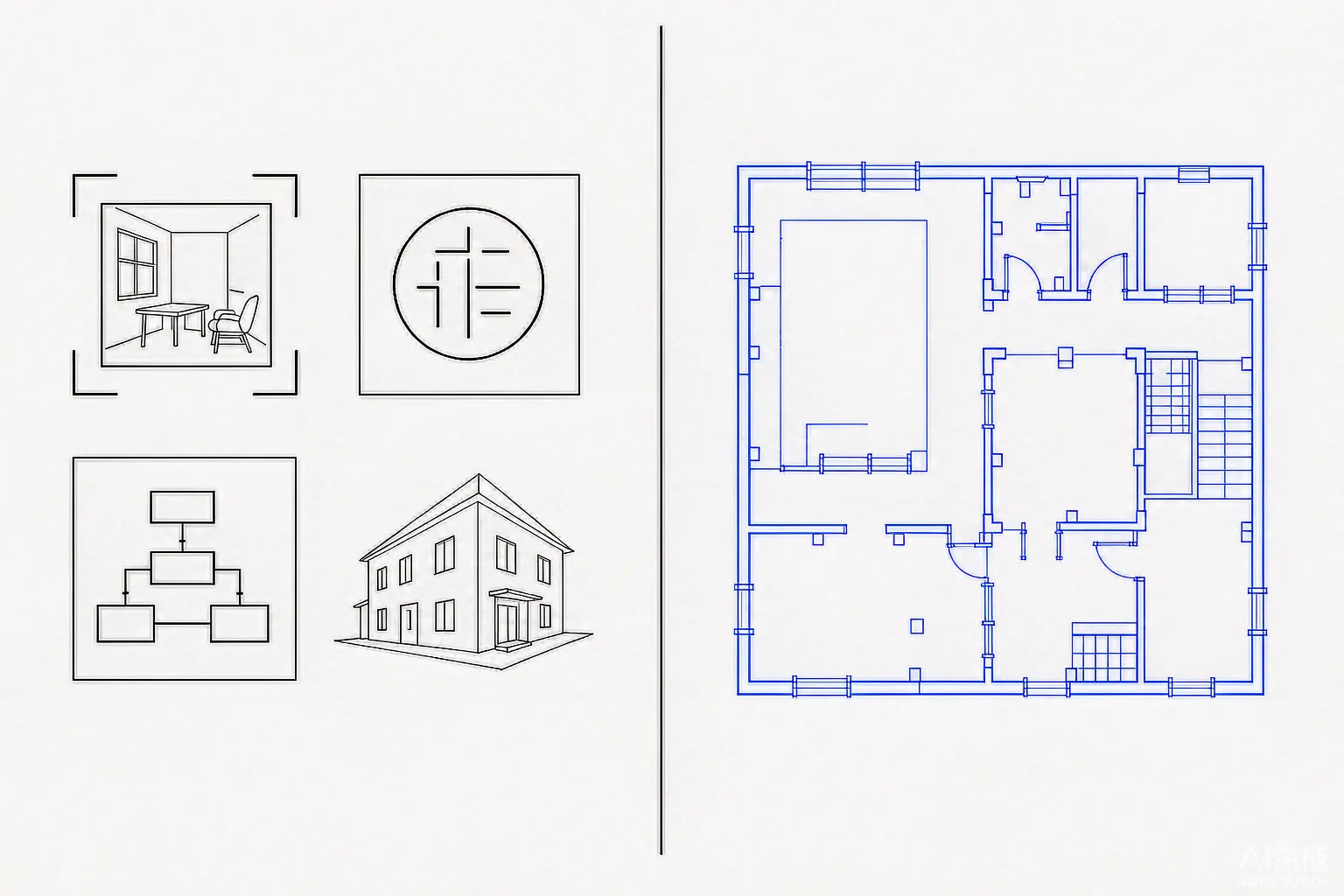
Convert any photo or sketch to DWG for AutoCAD floor plans, diagrams, logos, and technical drawings. One image to DWG converter for every project.
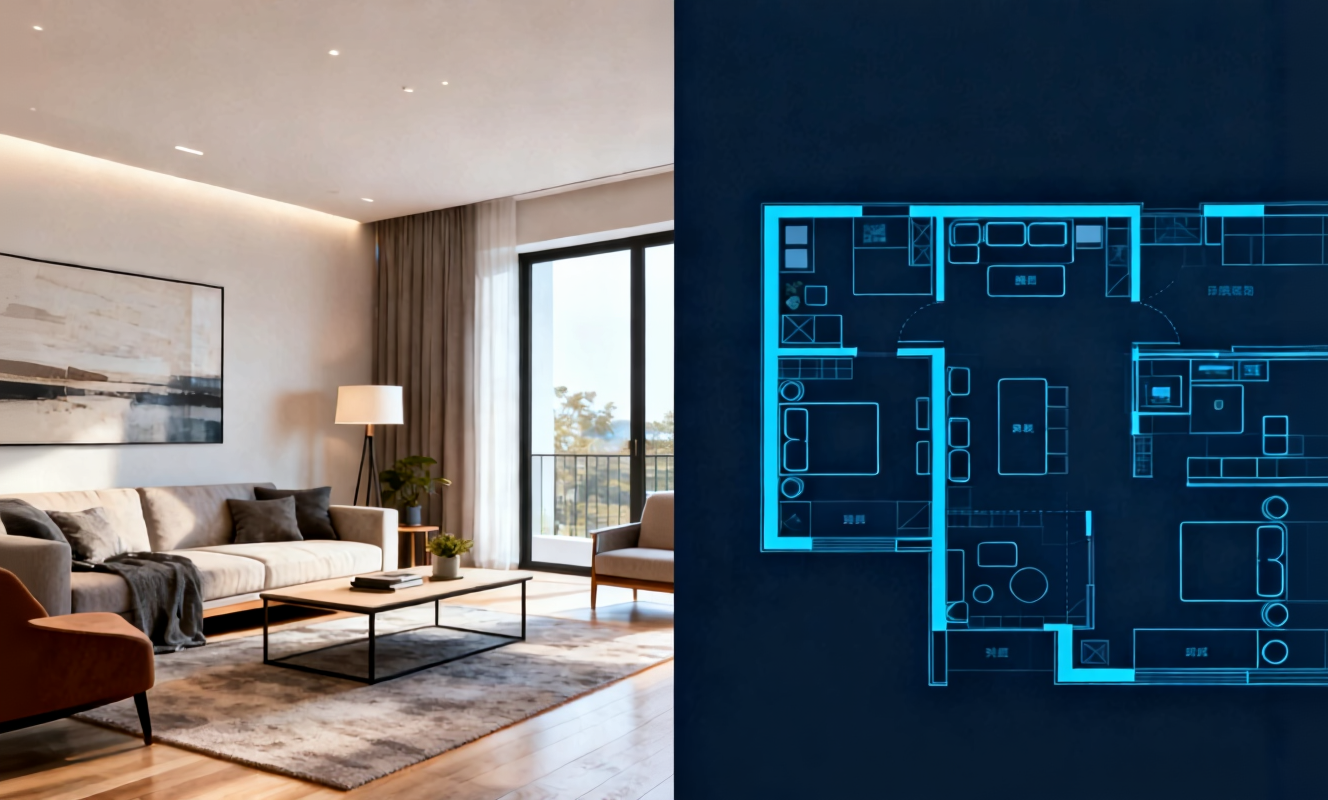
Transform any room instantly with our AI room design tool. Upload a photo of your bedroom, living room, or kitchen and watch the AI generate stunning redesigns in Modern, Scandinavian, Japandi, and more interior styles.

Create detailed floor plans in minutes with our floor plan AI generator. Design 2D layouts and 3D room visualizations for apartments, houses, and commercial spaces without architectural experience.

Home Design AI is an intuitive tool that helps you instantly generate interior, exterior, and garden design ideas based on your preferences. With advanced AI, it transforms simple inputs into realistic layouts and inspiring visual concepts, making home design faster and more accessible for everyone.
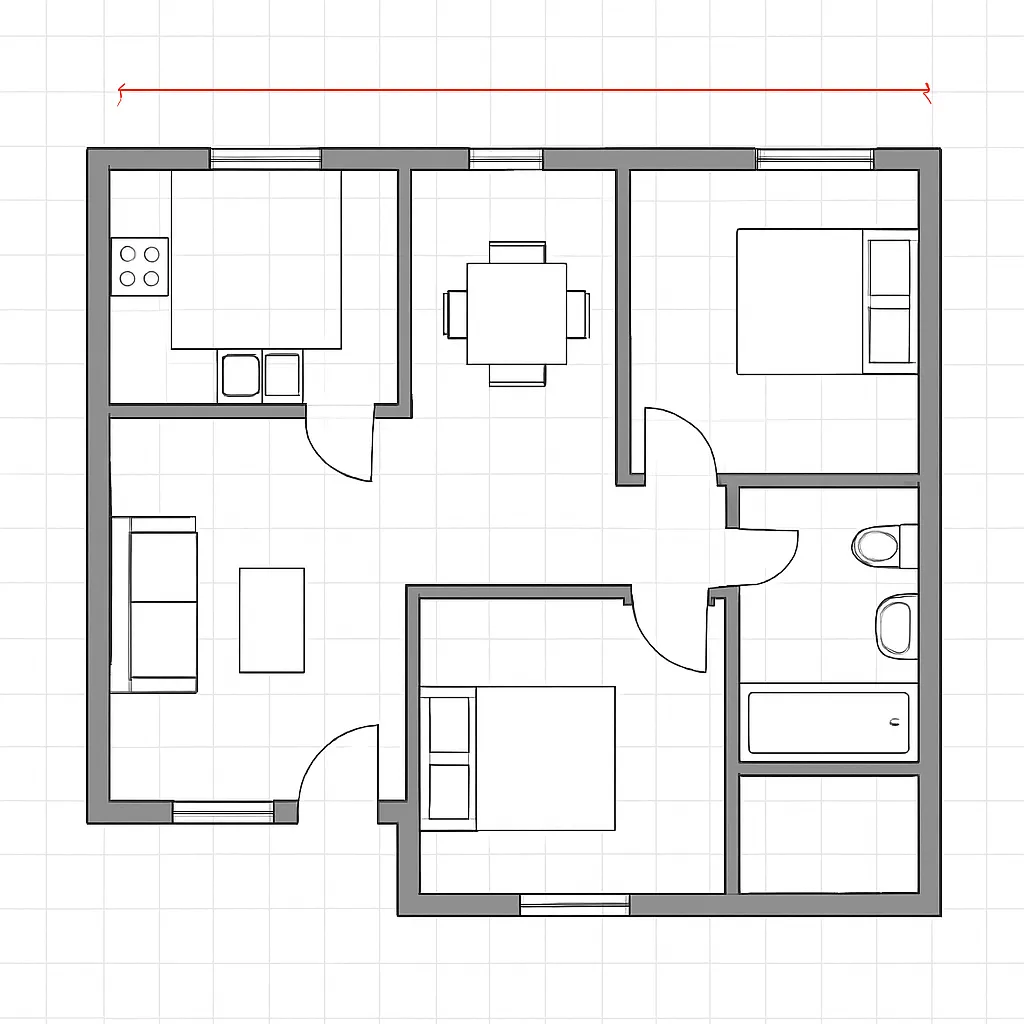
Arrange furniture and plan room layouts effortlessly with our AI floor planner. Visualize sofa placement, dining arrangements, and storage solutions in your actual space before making any purchases.
Everything you need to know about converting images to DWG online for free.
Convert image to DWG online for free no sign up required. Upload a JPG, PNG, or photo, and download an AutoCAD-ready DWG in seconds.