
Upload a photo of your classroom and let AI design a functional learning space with desks, seating, storage, and decor.
AI Classroom Design Create Your Ideal Learning Space
Upload a photo of your classroom and this AI classroom design generator will redesign it as a furnished learning space. Get a realistic AI classroom interior design showing desks, seating, storage, and decor tailored to your grade level.
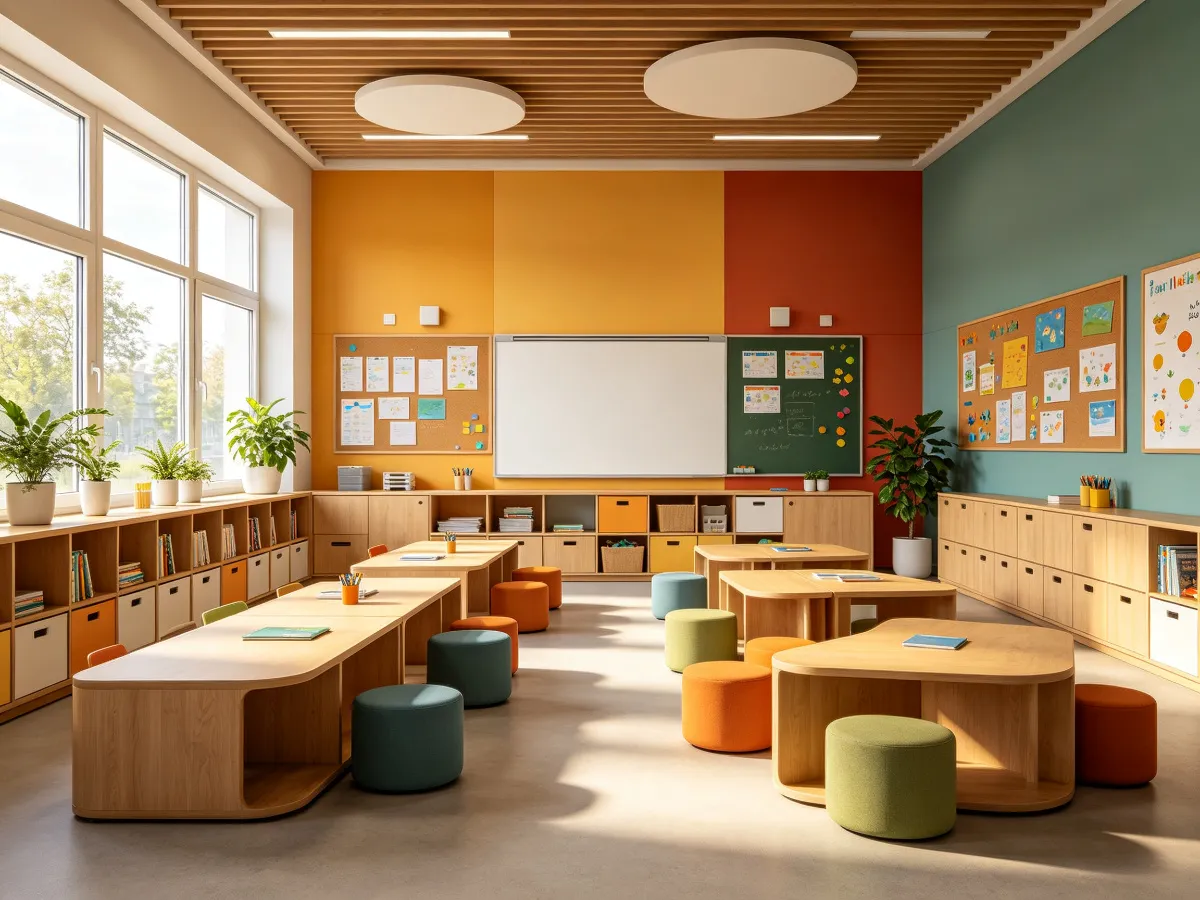
See Your Classroom Transformed in Seconds
Whether you are rearranging desks or redesigning a whole room, see how this classroom design AI turns an empty space into one that supports teaching.
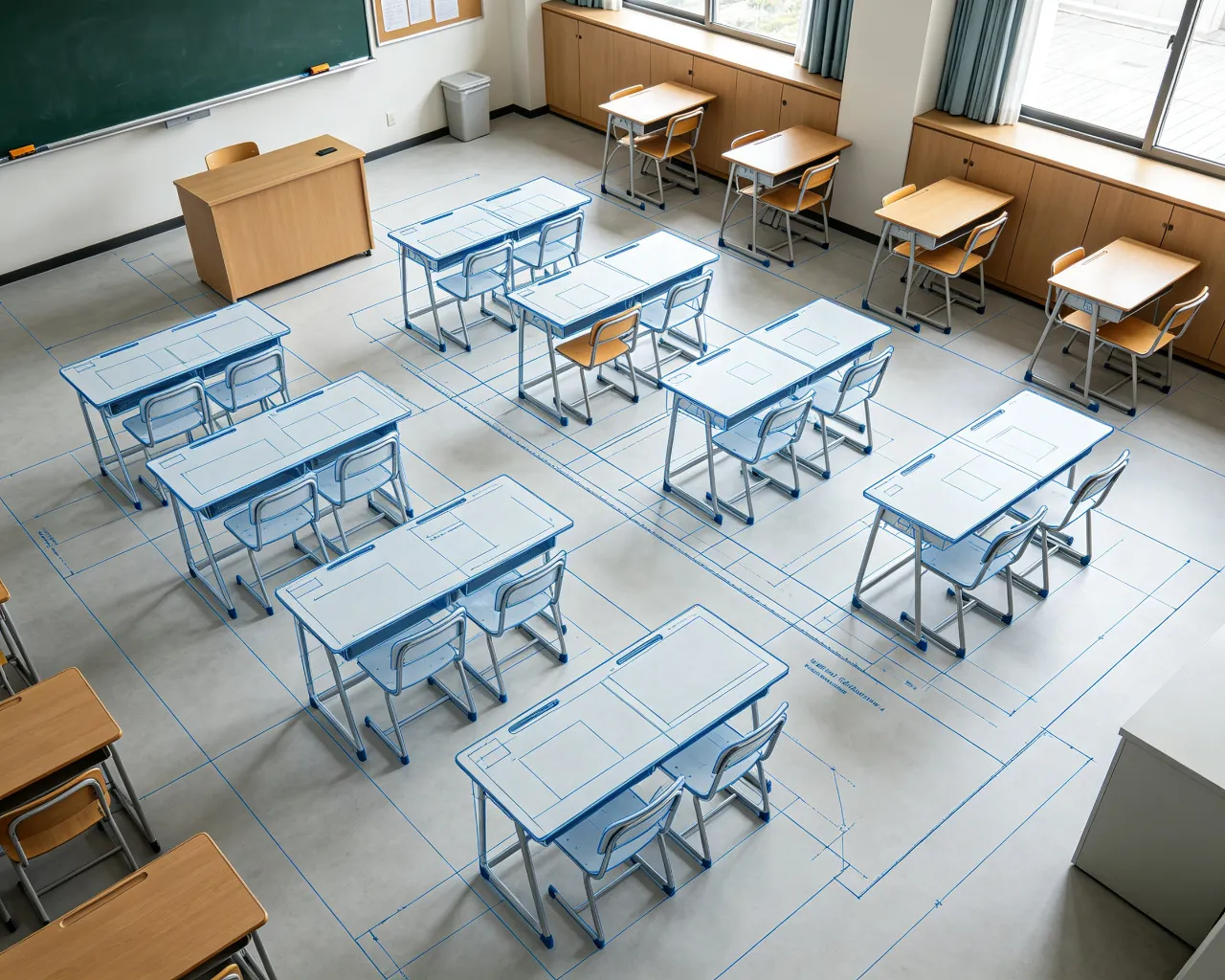
AI Recognizes Your Classroom Layout
Point the camera at your room. The AI reads the walls, doors, and windows, then proposes a floor plan where every desk has a clear view of the front and every student has space to move.
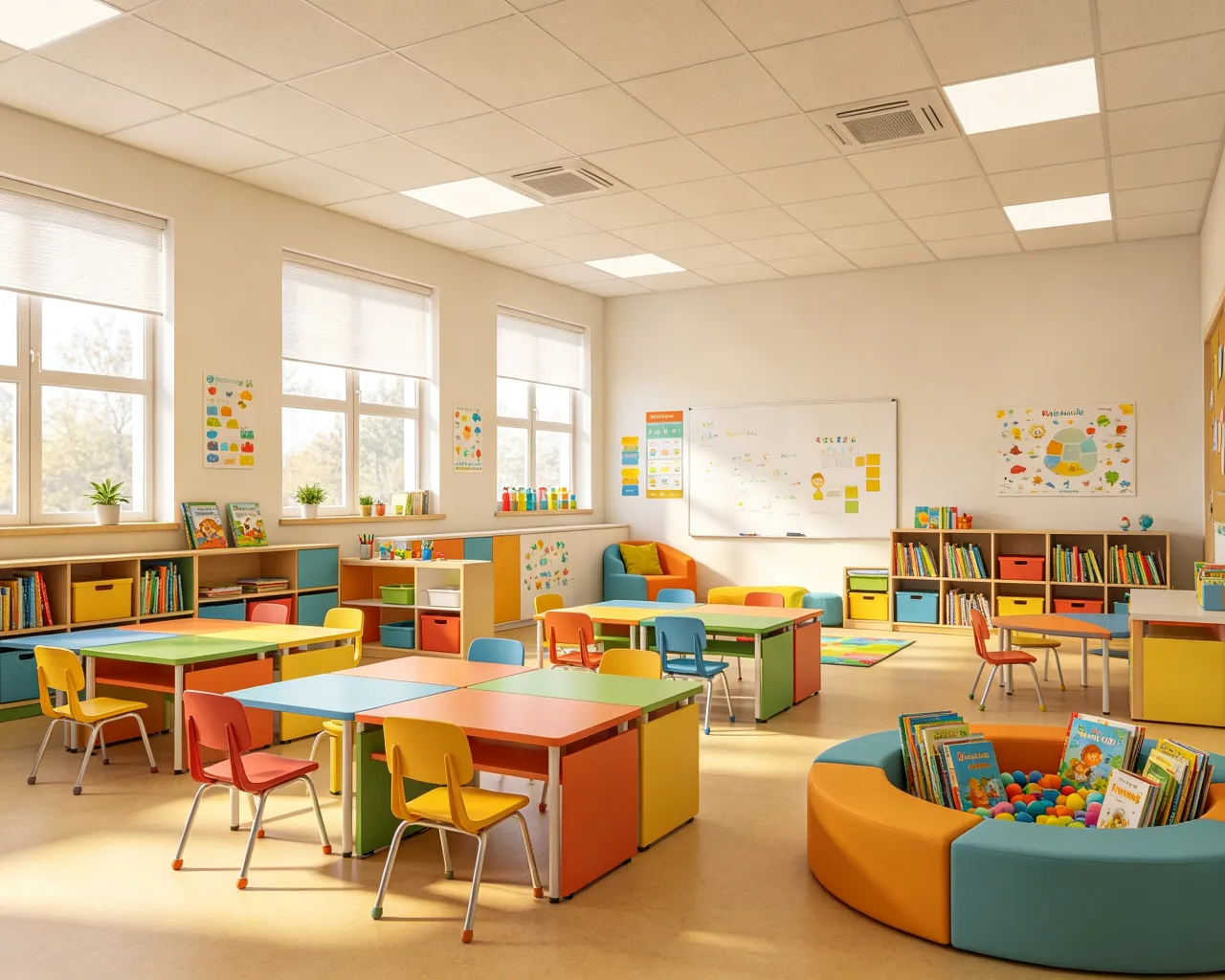
Add Desks, Seating & Storage Automatically
Want rows, pods, or a mix? Pick a teaching style and the AI fills in desks, seating, flooring, and colors that fit your grade level.
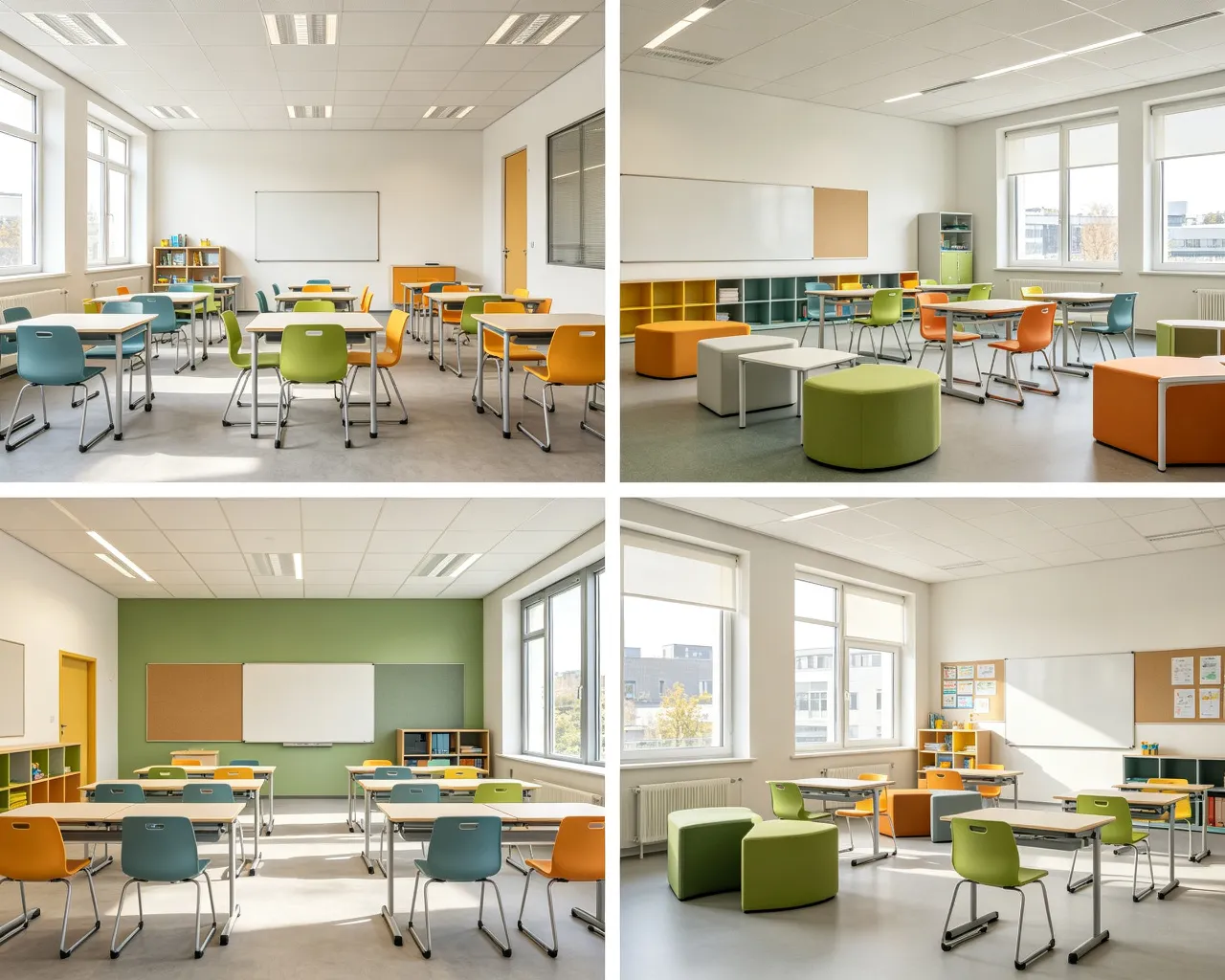
See Multiple Design Ideas Instantly
Get several realistic layouts at once, each with a different desk setup and lighting. Pick the one that works, then fine-tune it. No design software needed.
Why This Classroom Layout Maker Stands Out
Unlike generic interior tools, this classroom design AI is built around learning needs: desk spacing, sightlines, storage, and grade-appropriate furniture. No architectural degree required.
The AI reads room dimensions, walls, and whatever furniture is already in the photo, then suggests desk setups and walking paths that keep sightlines clear.
Whether you teach direct instruction, group work, or project-based learning, the AI suggests furniture and storage that match how your class actually runs.
Elementary classrooms get child-sized desks and reading nooks. Middle and high school rooms get larger desks, lab stations, and storage for materials.
Get multiple AI classroom interior design versions side by side. Try row vs. pod layouts, different desk sizes, and colors before spending anything.
Every layout keeps the teacher's line of sight clear, leaves enough aisle space, and places storage where it is easy to reach during lessons.
The more you generate, the better it matches your teaching style - whether you prefer organized rows, collaborative pods, or flexible multi-purpose spaces.
How to Use the AI Classroom Design Tool
Design a classroom that supports learning in three simple steps – no design experience required.
Upload a Classroom Photo
Snap a photo of your room or upload one. The AI identifies walls, doors, and what is already there.
Pick a Learning Style
Pick your grade level, teaching style, and any must-have features like a reading corner, project wall, or storage units.
Generate and Review
Realistic designs show up within seconds. Save the images to share with colleagues, show administrators, or take shopping.
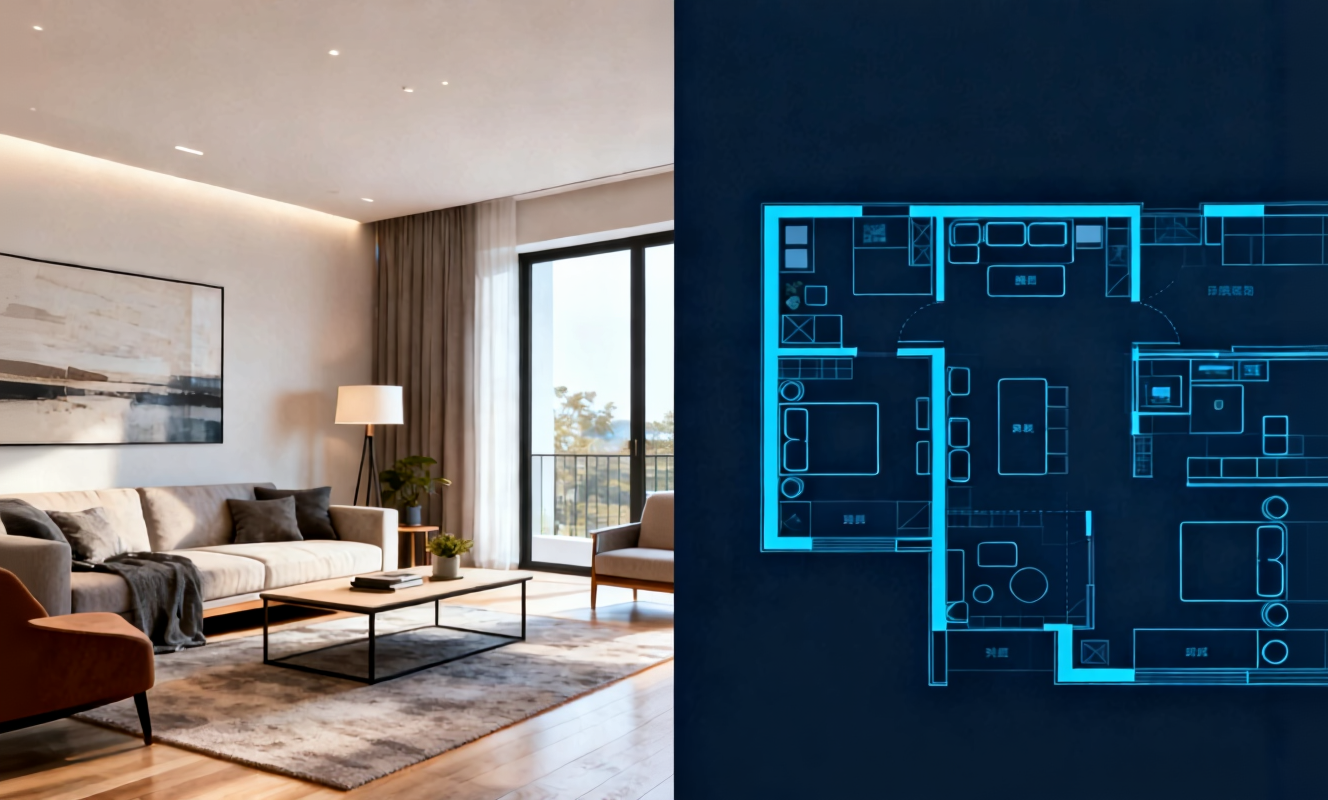
Transform any room instantly with our AI room design tool. Upload a photo of your bedroom, living room, or kitchen and watch the AI generate stunning redesigns in Modern, Scandinavian, Japandi, and more interior styles.

Create detailed floor plans in minutes with our floor plan AI generator. Design 2D layouts and 3D room visualizations for apartments, houses, and commercial spaces without architectural experience.

Home Design AI is an intuitive tool that helps you instantly generate interior, exterior, and garden design ideas based on your preferences. With advanced AI, it transforms simple inputs into realistic layouts and inspiring visual concepts, making home design faster and more accessible for everyone.
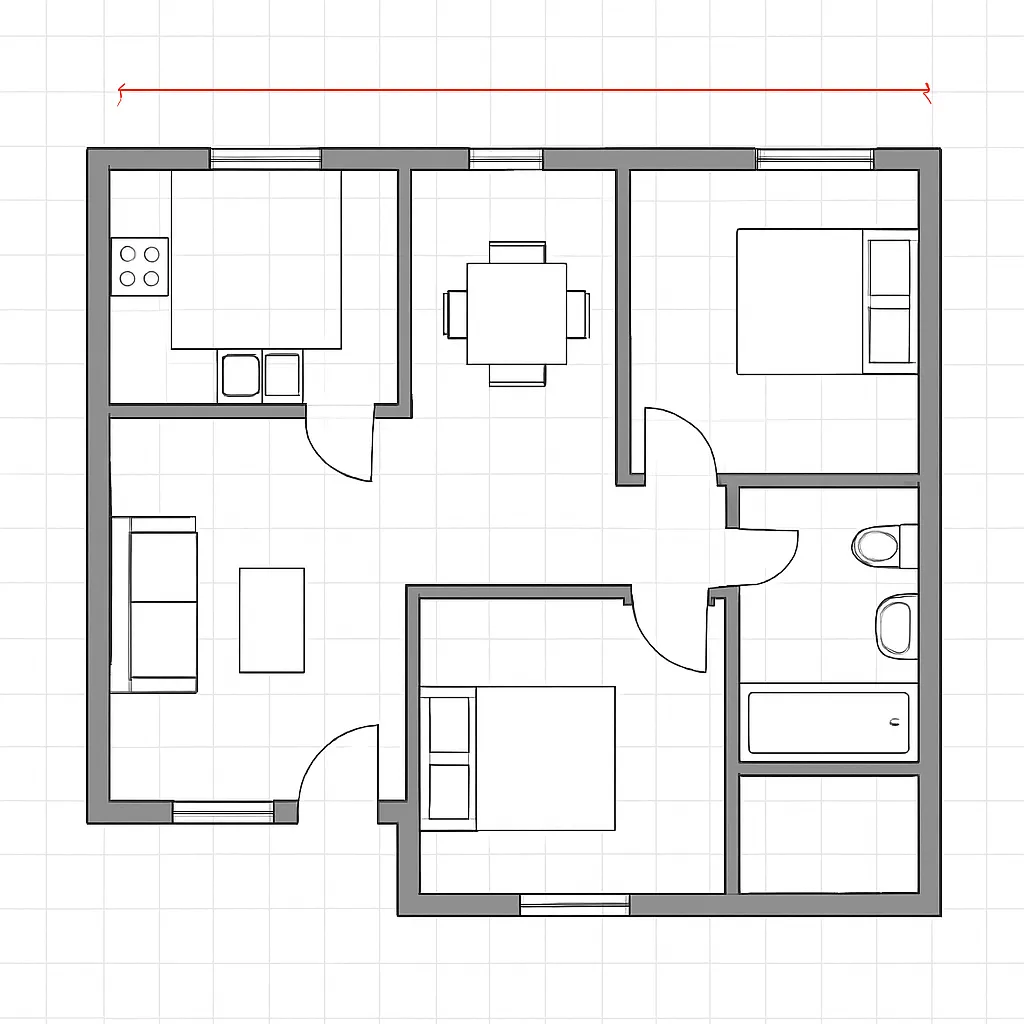
Arrange furniture and plan room layouts effortlessly with our AI floor planner. Visualize sofa placement, dining arrangements, and storage solutions in your actual space before making any purchases.
Frequently Asked Questions
Answers to common questions about using this free AI classroom design tool.
Start Your AI Classroom Design Free Today
See what your room could look like. This AI classroom design free tool works right in your browser, no sign-up needed.