
Turn room photos into virtual tour videos with walkthrough and furniture animation effects
Create Stunning AI Virtual Tours in Seconds
Transform your room photos into captivating virtual tour videos with AI. Generate professional home walkthroughs, animated room tours, and dynamic staging presentations online - no video editing skills required.
Powerful AI Animation Modes for Every Scenario
Create stunning room tour videos, before-and-after staging animations, and multi-room virtual property tours with flexible AI-powered tools
Room Tour Animation
Transform any static room photo into an immersive virtual tour video. Our AI analyzes depth, perspective, and spatial relationships to generate smooth, professional camera movements that make viewers feel like they're actually walking through the space.
Staging Transformation
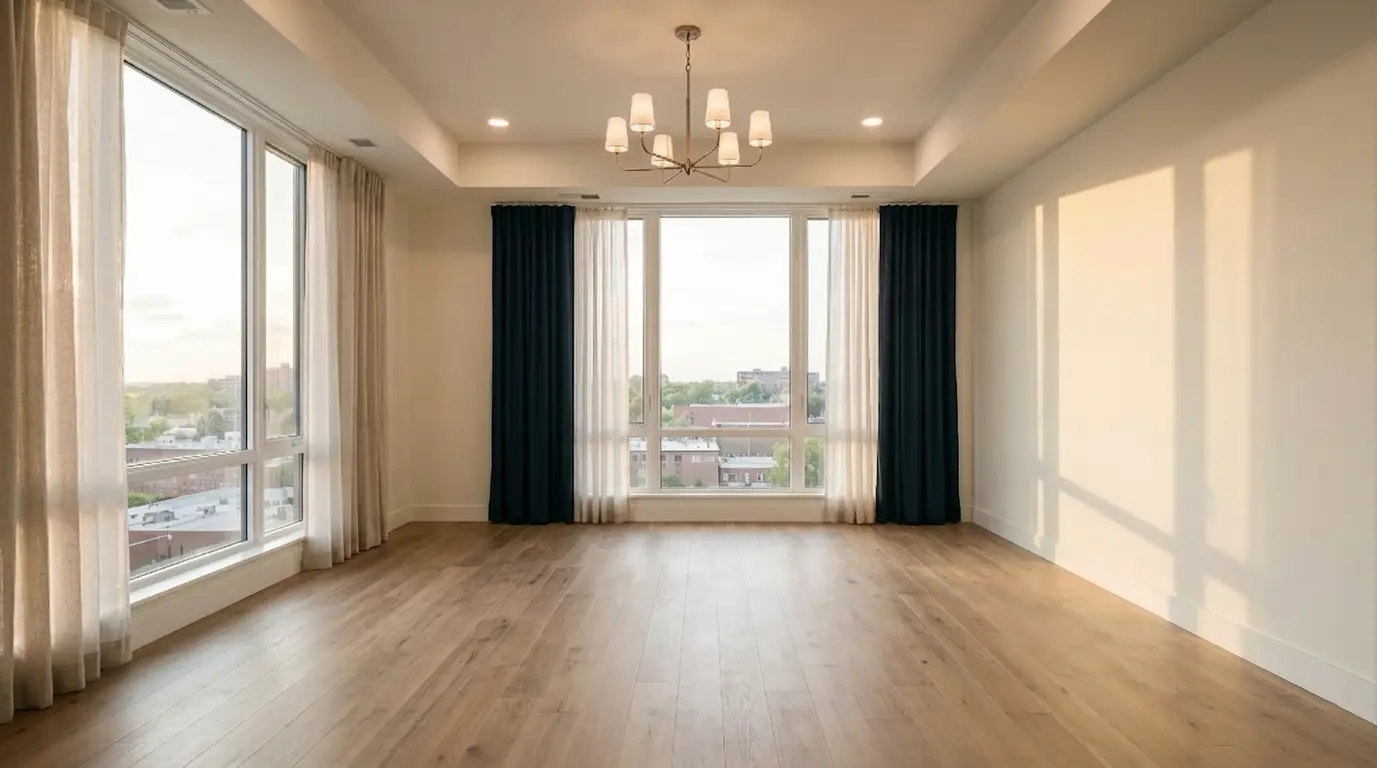
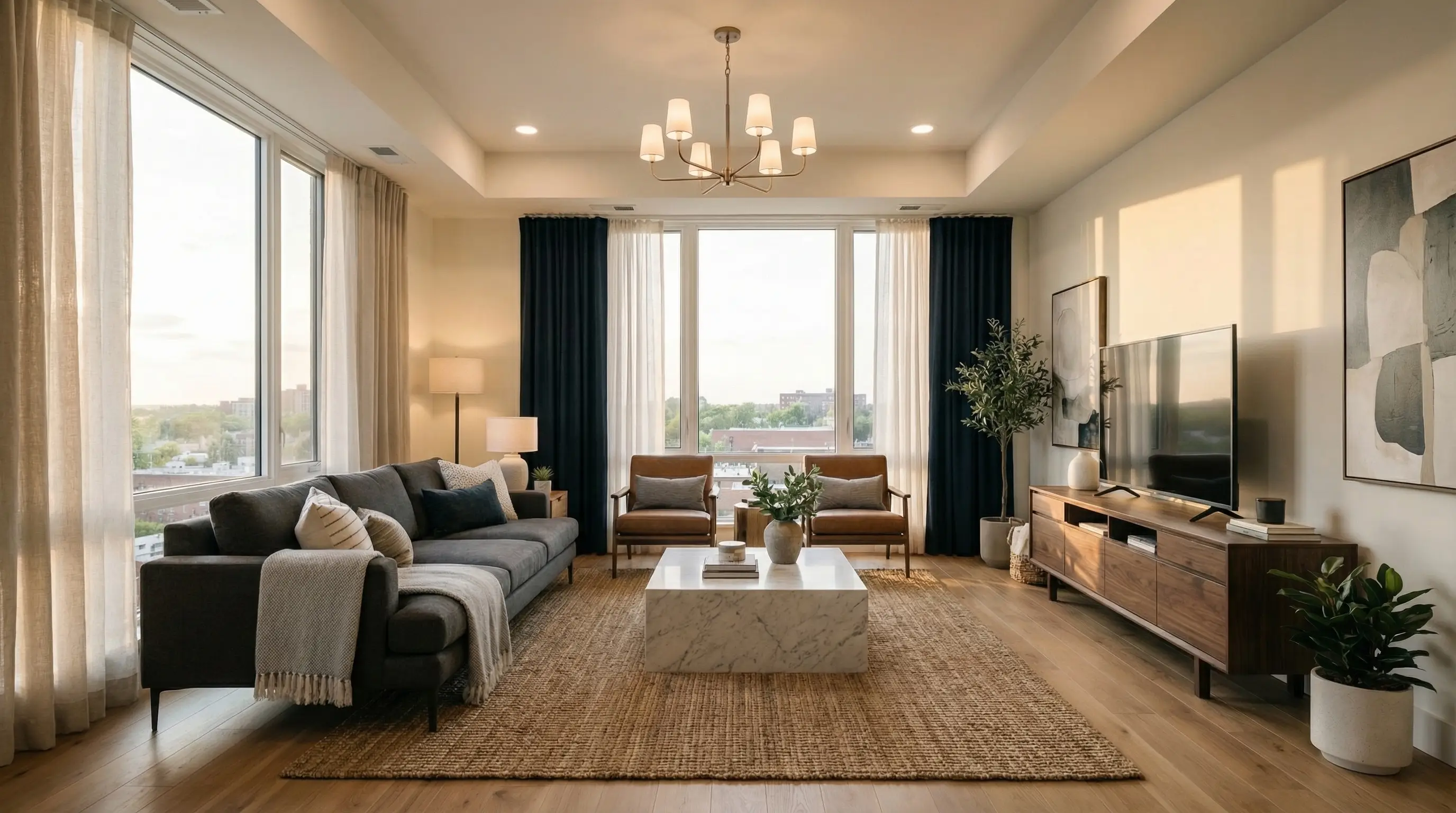
Create captivating before-and-after animations that show empty spaces transforming into beautifully furnished rooms. Perfect for real estate agents, interior designers, and property developers who want to showcase the potential of any space.
Multi-Room Virtual Tours
Combine multiple room animations into a seamless property tour video. Upload photos of different rooms and let the AI stitch them together with smooth transitions, creating a comprehensive virtual tour that guides viewers through the entire property.
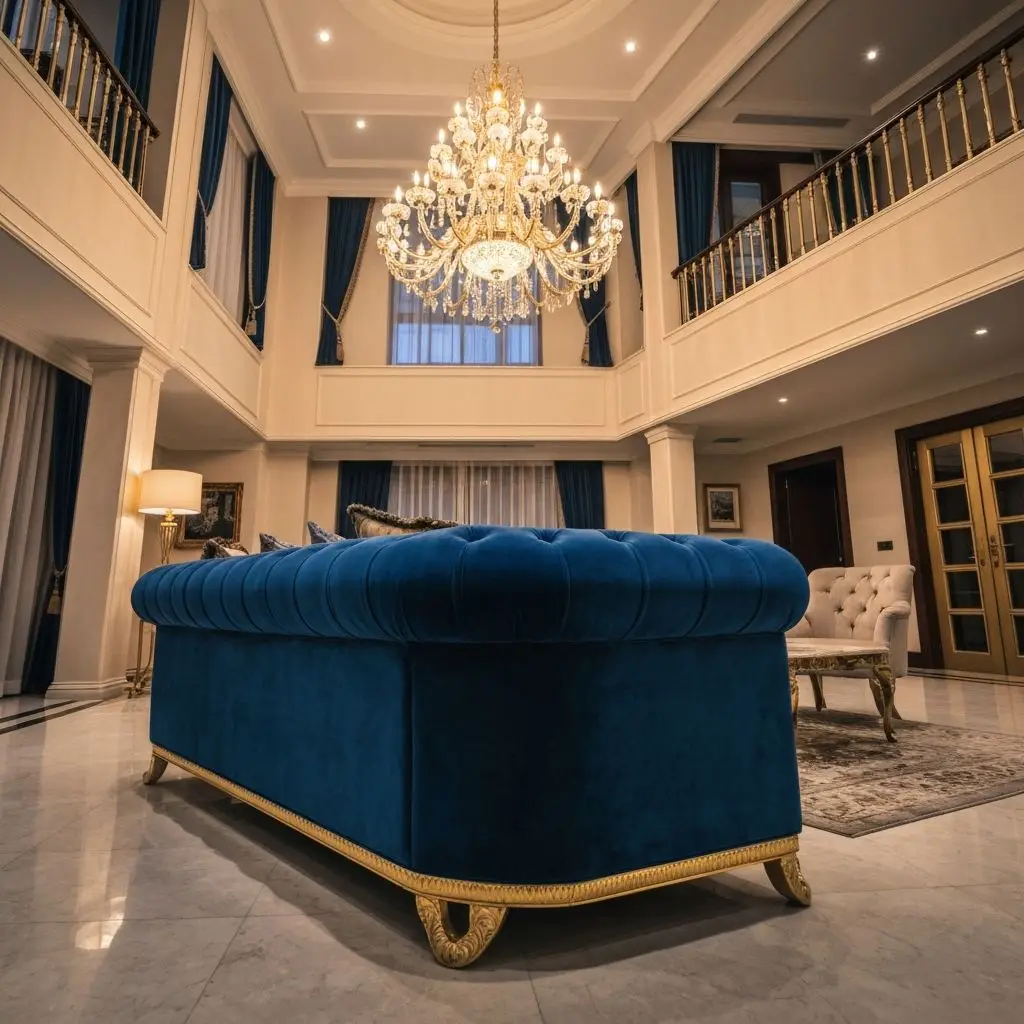
Why Choose Our AI Room Tour Generator
Create professional virtual home tours and animated staging presentations with cutting-edge AI technology
AI Virtual Tour Creation
Transform any room photo into a professional virtual tour video with cinematic camera movements and smooth transitions.
Smart Motion Effects
Choose from 8 different camera motions including zoom, pan, and crab shots to create engaging room walkthroughs.
Staging Transformation
Animate the transition from empty rooms to fully staged spaces with stunning visual effects like bounce, morphing, and light sweep.
Instant Generation
Create professional home tour videos in seconds. No video editing skills or expensive software required.
Custom Animations
Use custom prompts to create unique transition effects that match your creative vision and brand style.
HD Video Export
Download your AI-generated virtual tours in high definition quality, ready for social media or client presentations.
How to Create AI Virtual Tours Online
Generate professional home tour videos and room walkthrough animations in 4 simple steps
Upload Your Images
Upload a single room photo for virtual tour, or two images (before & after) for staging transformation.
Choose Animation Style
Select from camera motion types like zoom, pan, crab shots, or transition effects like bounce, morphing, and light sweep.
Generate & Download
Our AI quickly transforms your images into a virtual tour or animated staging video. Download your HD video ready for social media, client presentations, or property listings.
Explore AI Tools for Every Room in Your Home
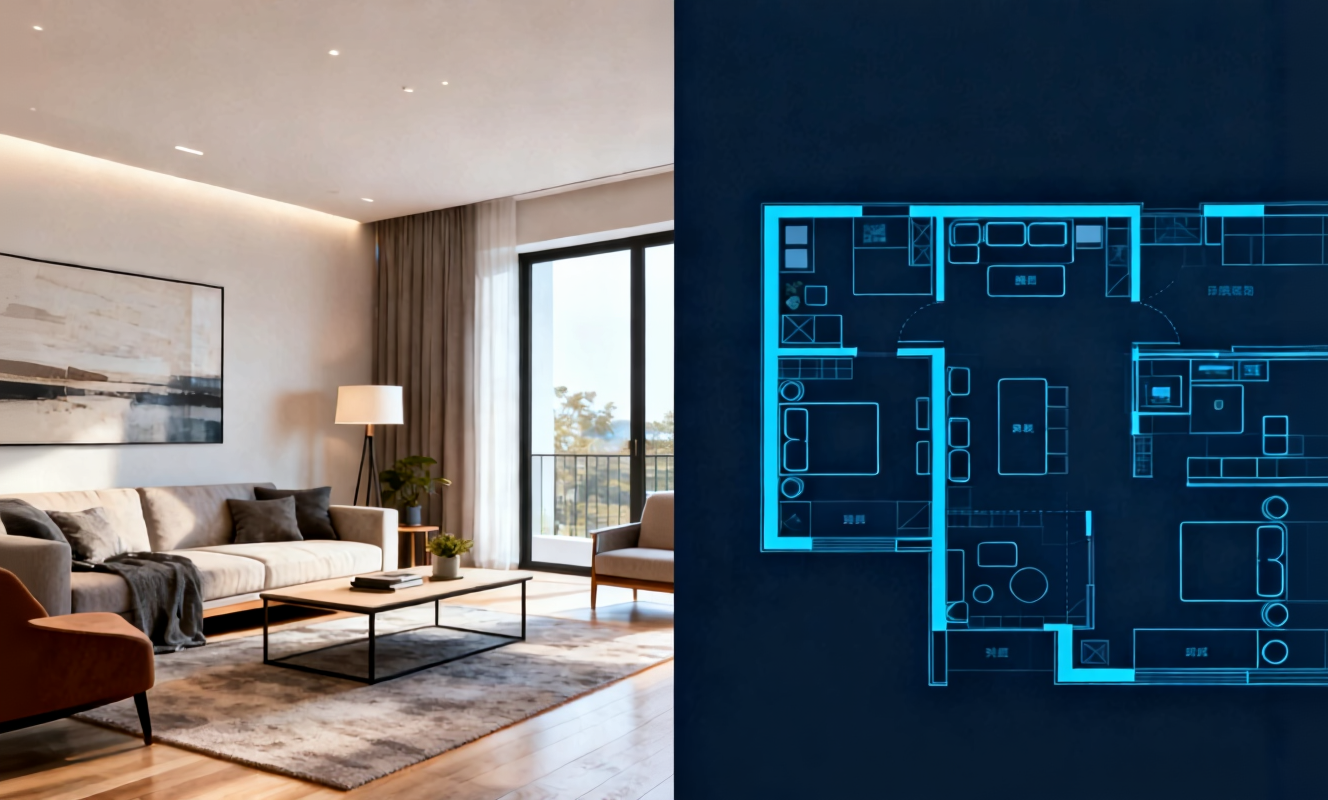
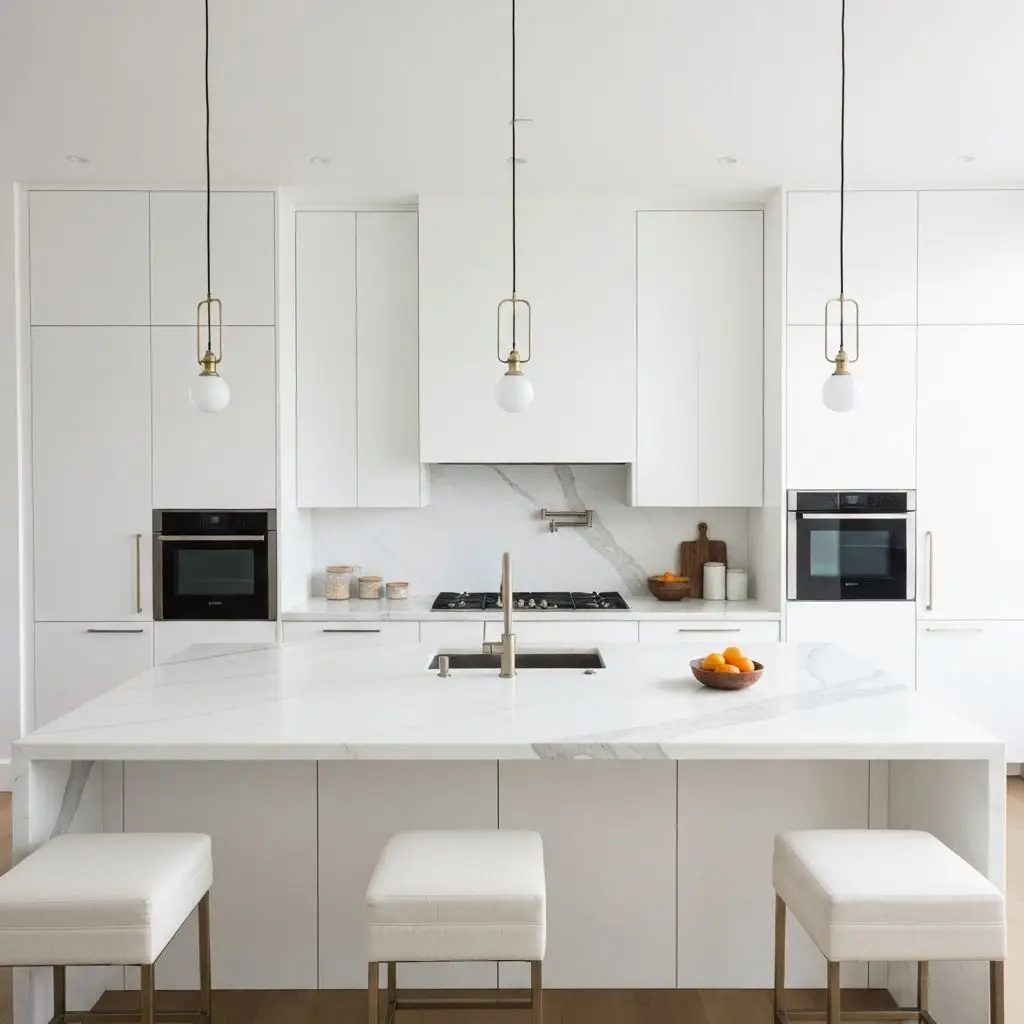
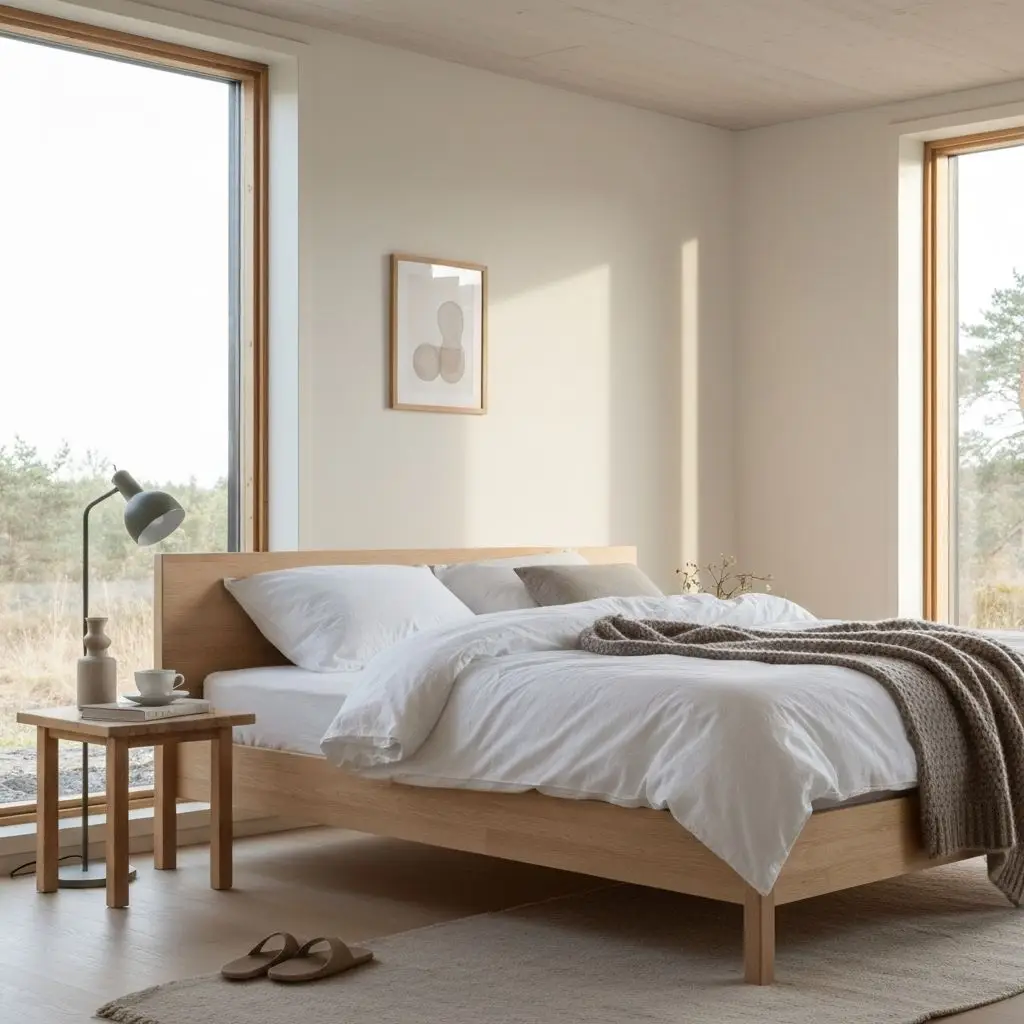
Transform any room instantly with our AI room design tool. Upload a photo of your bedroom, living room, or kitchen and watch the AI generate stunning redesigns in Modern, Scandinavian, Japandi, and more interior styles.

Create detailed floor plans in minutes with our floor plan AI generator. Design 2D layouts and 3D room visualizations for apartments, houses, and commercial spaces without architectural experience.
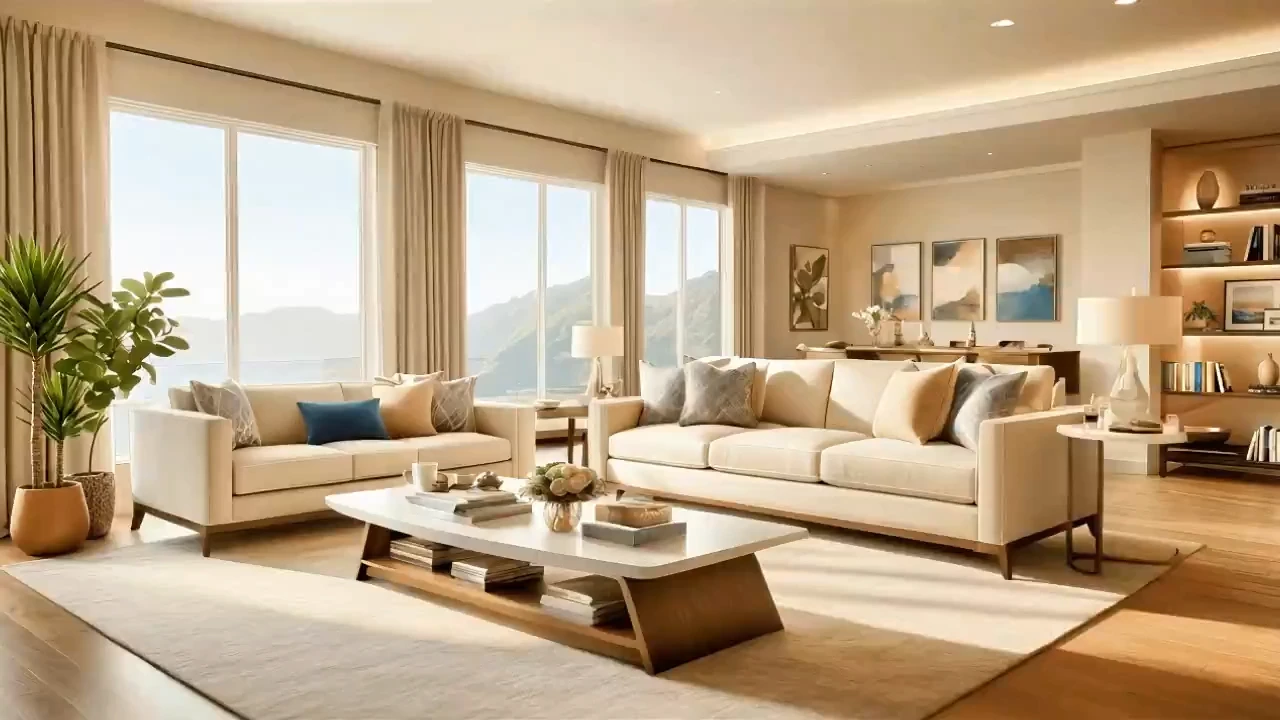
Home Design AI is an intuitive tool that helps you instantly generate interior, exterior, and garden design ideas based on your preferences. With advanced AI, it transforms simple inputs into realistic layouts and inspiring visual concepts, making home design faster and more accessible for everyone.
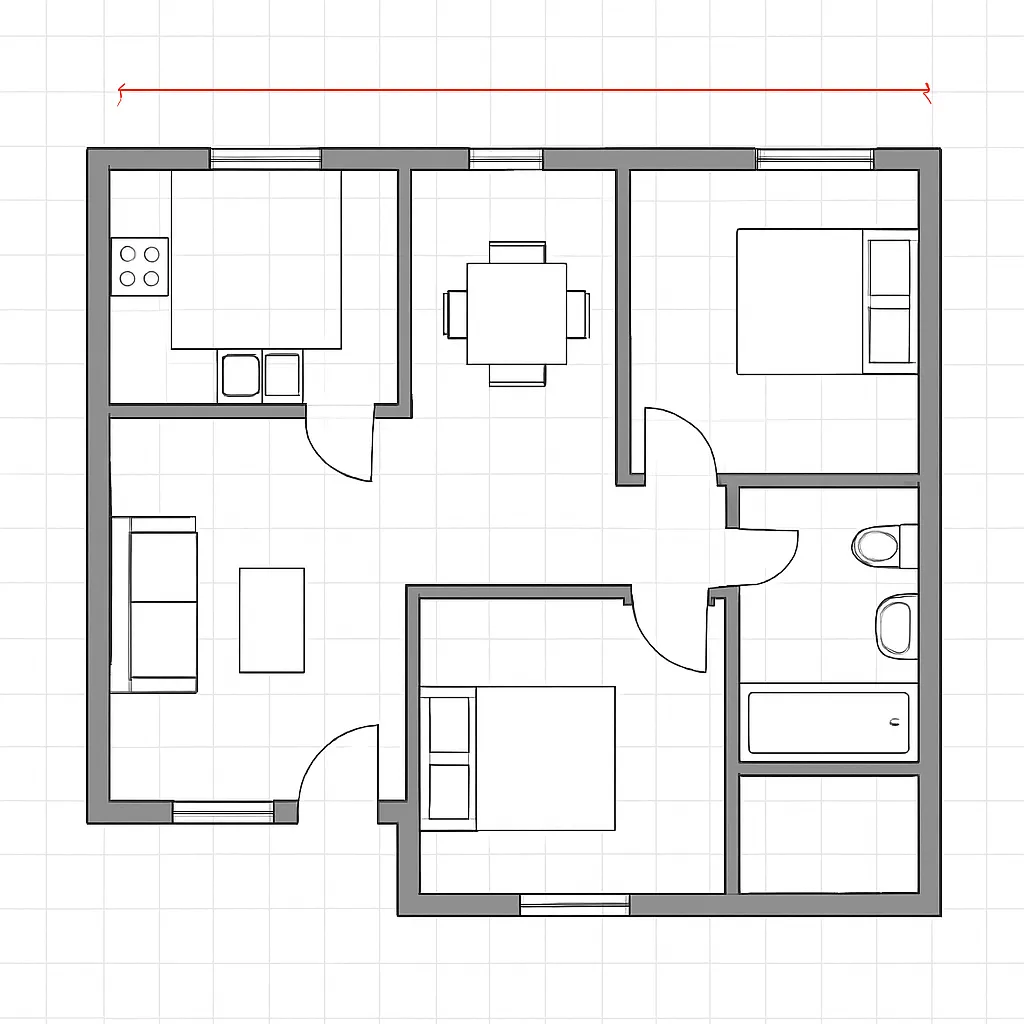
Arrange furniture and plan room layouts effortlessly with our AI floor planner. Visualize sofa placement, dining arrangements, and storage solutions in your actual space before making any purchases.
Frequently Asked Questions
Everything you need to know about Sketch to Render
Ready to Create Stunning Home Tour Videos?
Real estate professionals, interior designers, and property marketers use our AI to create captivating virtual tours and animated staging presentations.