
Generate New Room Perspectives from a Single Photo
Upload one room photo and let the Room Perspective Changer produce multiple views, a new angle, or a completely different perspective—always preserving your same room layout.
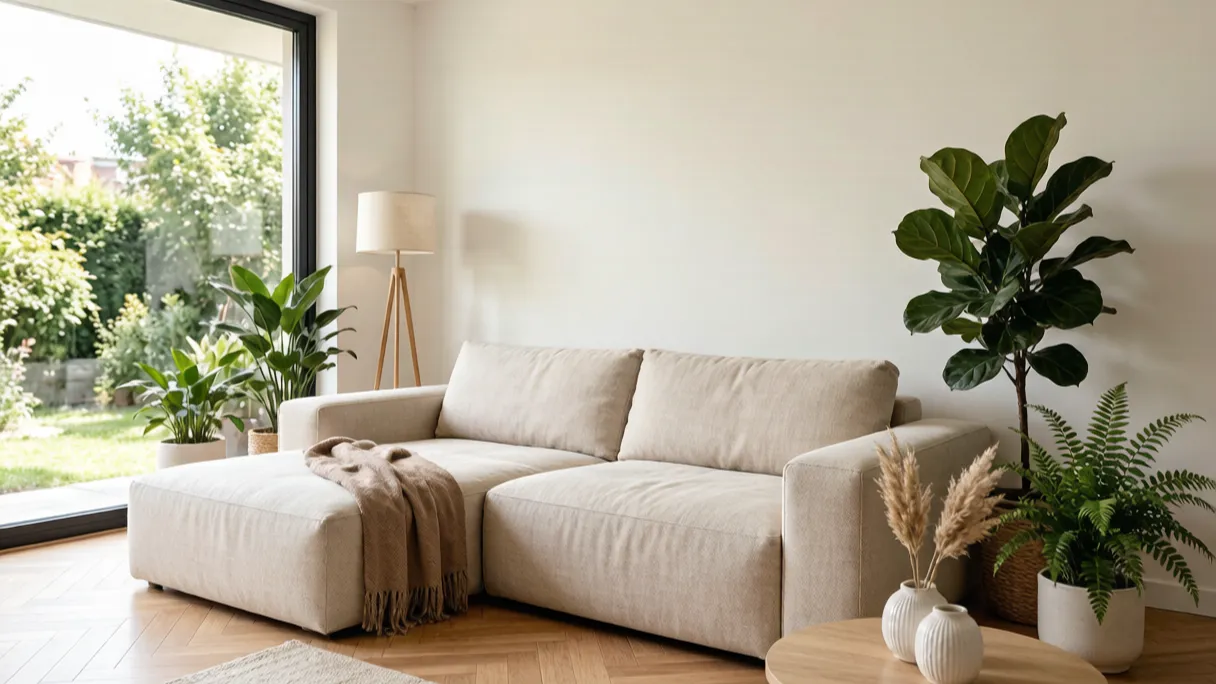
Upload one room photo to generate multiple new angle views while keeping the original layout
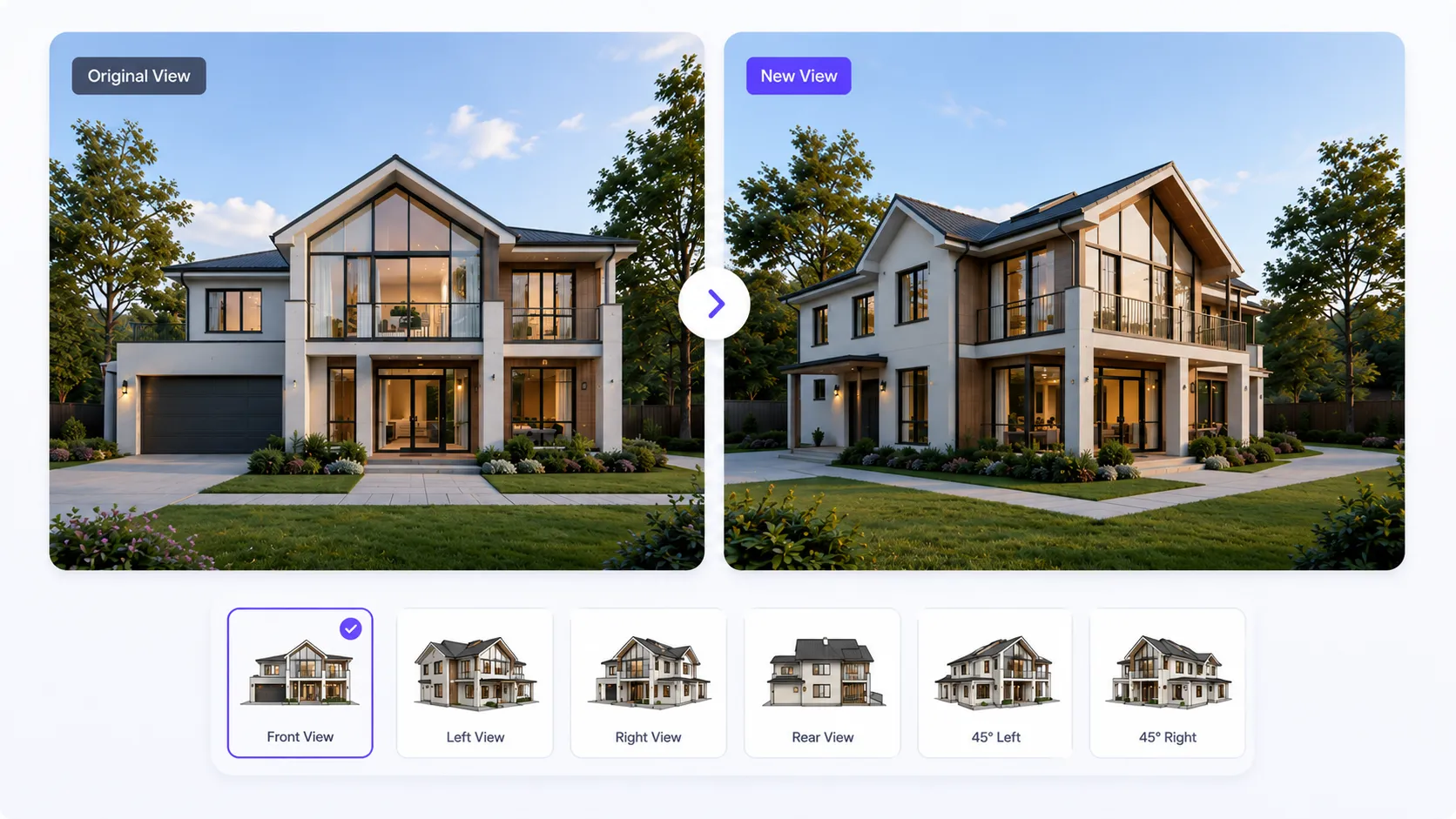
See Room Perspective Changer in Action
Explore how one room photo becomes multiple views, new angles, and a different perspective.
Smart Perspective Analysis
AI analyzes your room photo to understand the spatial structure, camera position, furniture placement, and depth relationships. It identifies the best viewpoint transformation while keeping the original room layout consistent.
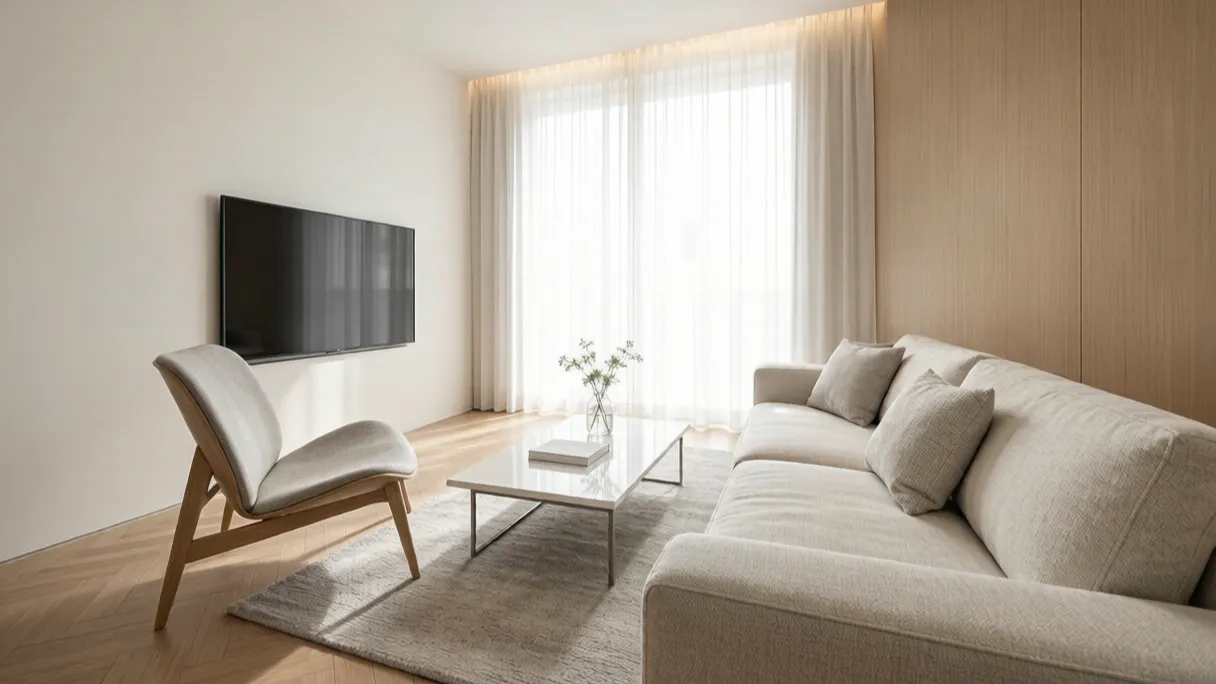
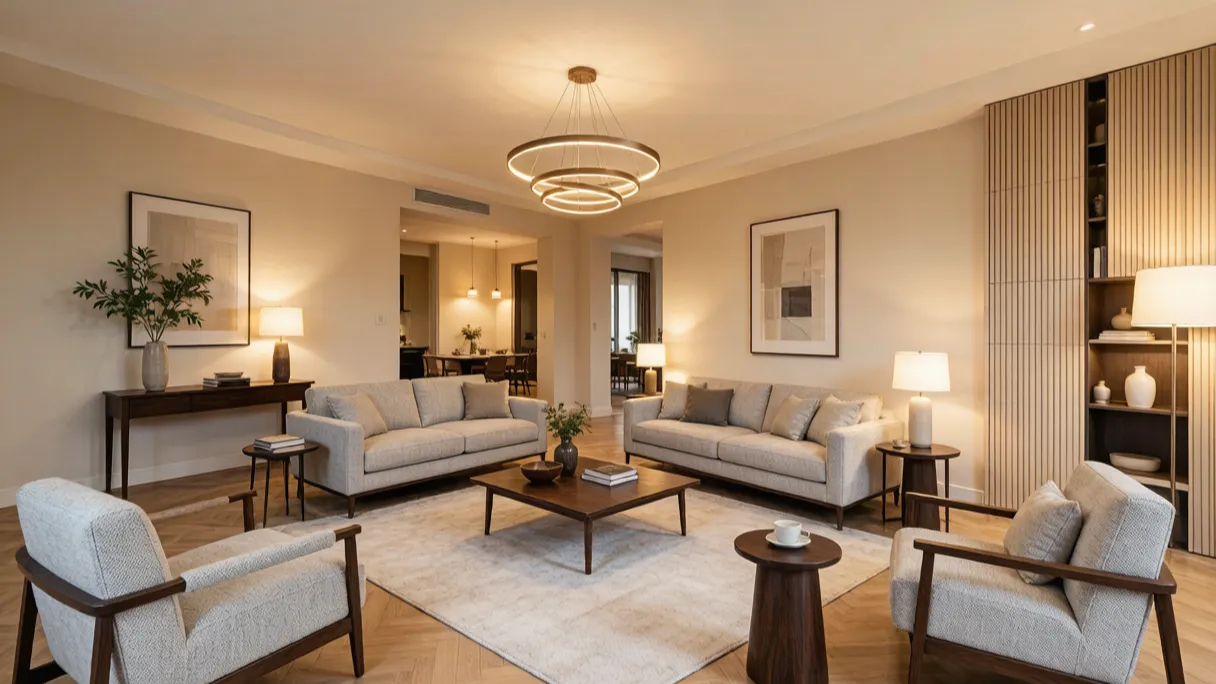
Multiple Room Views
Explore your space from different angles without changing the existing design. Generate new perspectives of the same room and compare multiple viewpoints to discover better ways to visualize your interior.
Instant Perspective Change
Transform your room perspective in seconds with AI-powered view synthesis. Simply choose a new viewing direction and create a realistic room image with natural proportions, lighting, and spatial details.
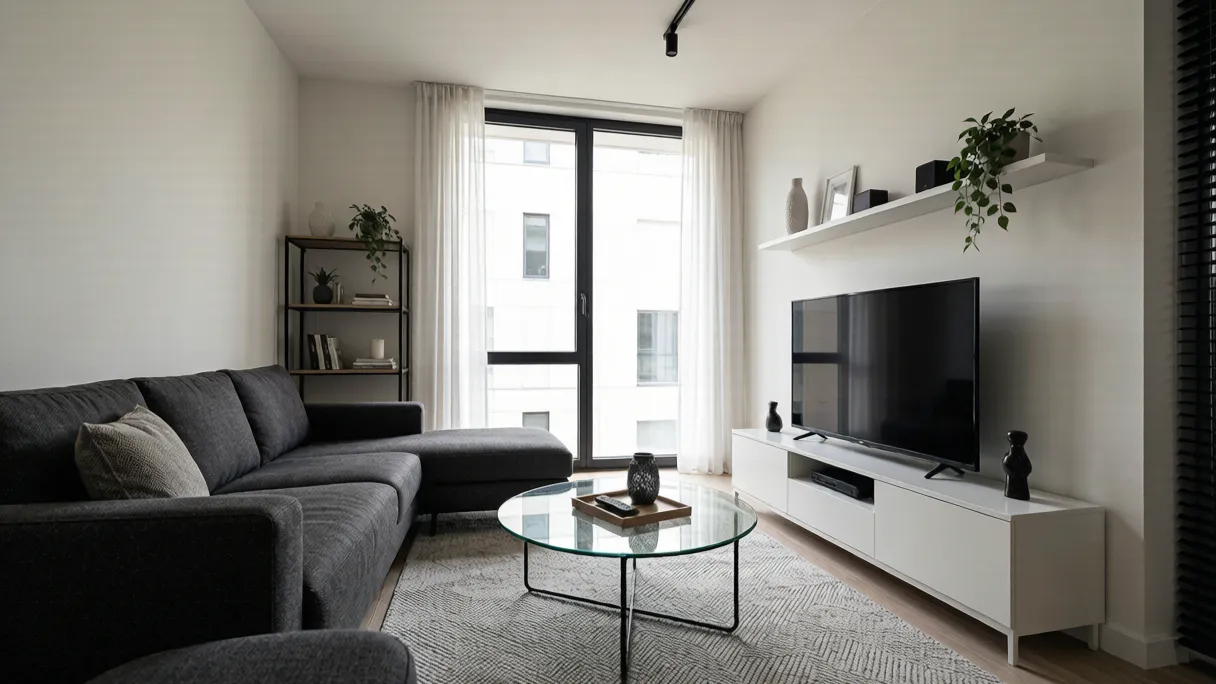
Key Features of Room Perspective Changer Tool
Turn a single room photo into multiple views and explore every angle. The Room Perspective Changer makes perspective change simple—no 3D modeling or design experience required.
The tool reads your room photo to understand dimensions, lighting, and existing elements for accurate perspective change.
Generate a different perspective and a new angle from one image, exploring how the same space looks from anywhere in the room.
Create multiple views of the same room layout at once—compare angles side by side before deciding.
Preview each new room view in seconds and switch between perspectives with one click.
Designers get clean interior perspective rendering they can drop into client presentations and moodboards.
Your same room layout stays unchanged—only the viewpoint and perspective shift, so the space stays recognizable.
How Room Perspective Changer Works
Create a new room view in 3 simple steps—no modeling software needed.
Upload Your Room Photo
Upload a clear, straight-on photo of the room you want to re-view.
Choose Perspective & Angle
Pick a new angle or a different perspective you want to explore.
Generate New Perspectives
The changer renders multiple views from your photo, ready to download.
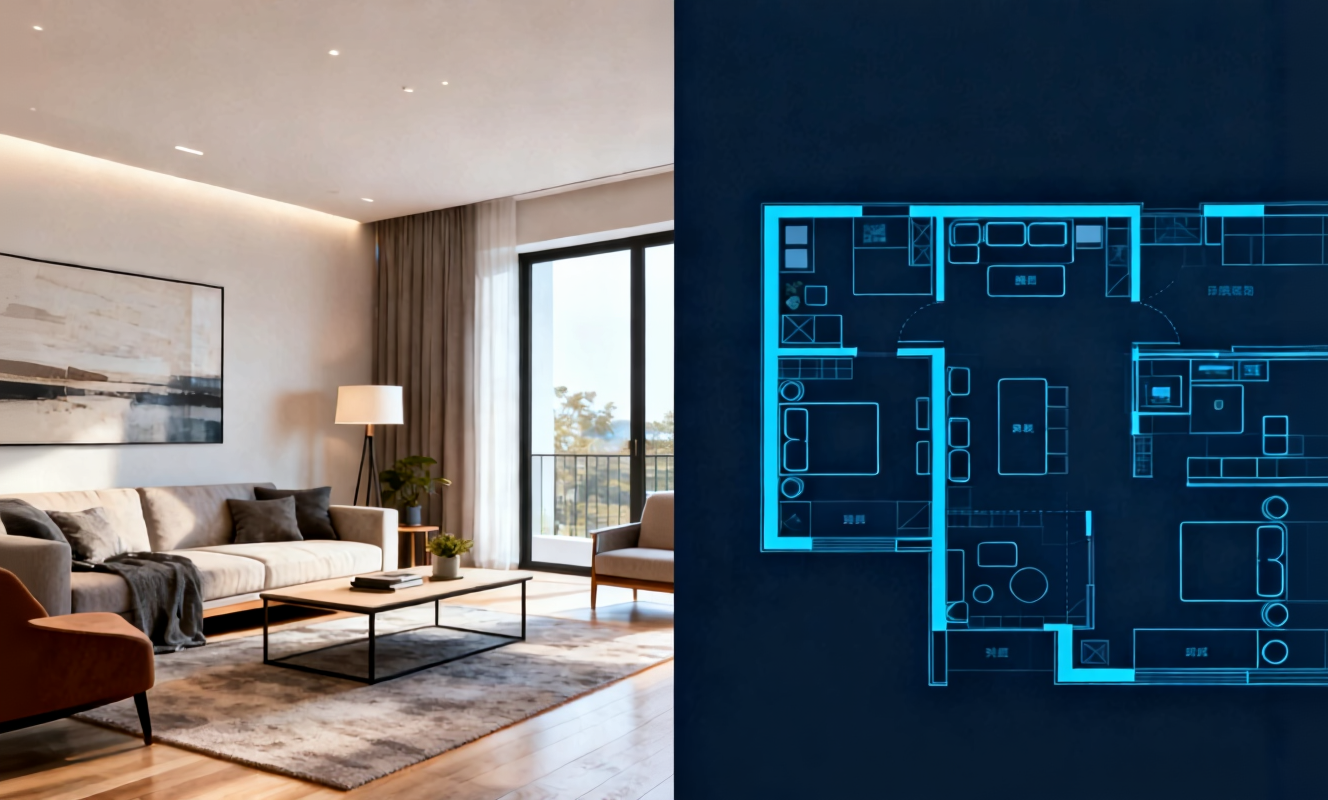
Transform any room instantly with our AI room design tool. Upload a photo of your bedroom, living room, or kitchen and watch the AI generate stunning redesigns in Modern, Scandinavian, Japandi, and more interior styles.

Create detailed floor plans in minutes with our floor plan AI generator. Design 2D layouts and 3D room visualizations for apartments, houses, and commercial spaces without architectural experience.
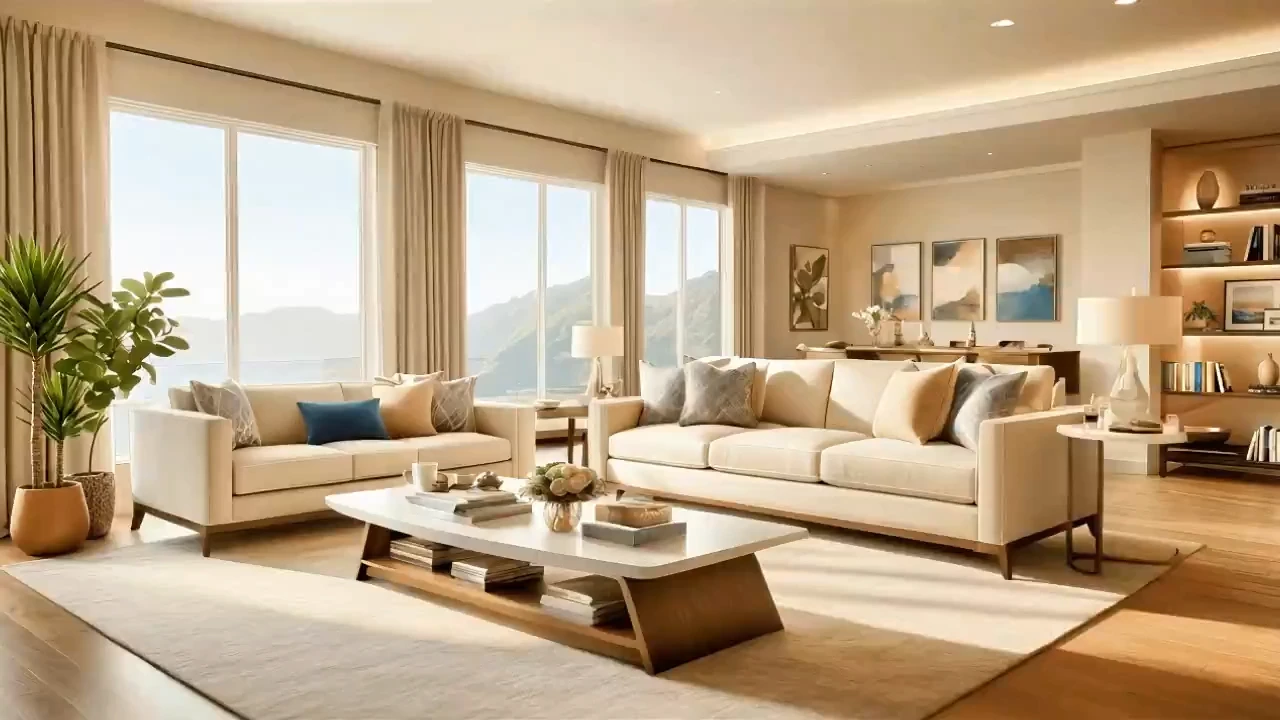
Home Design AI is an intuitive tool that helps you instantly generate interior, exterior, and garden design ideas based on your preferences. With advanced AI, it transforms simple inputs into realistic layouts and inspiring visual concepts, making home design faster and more accessible for everyone.
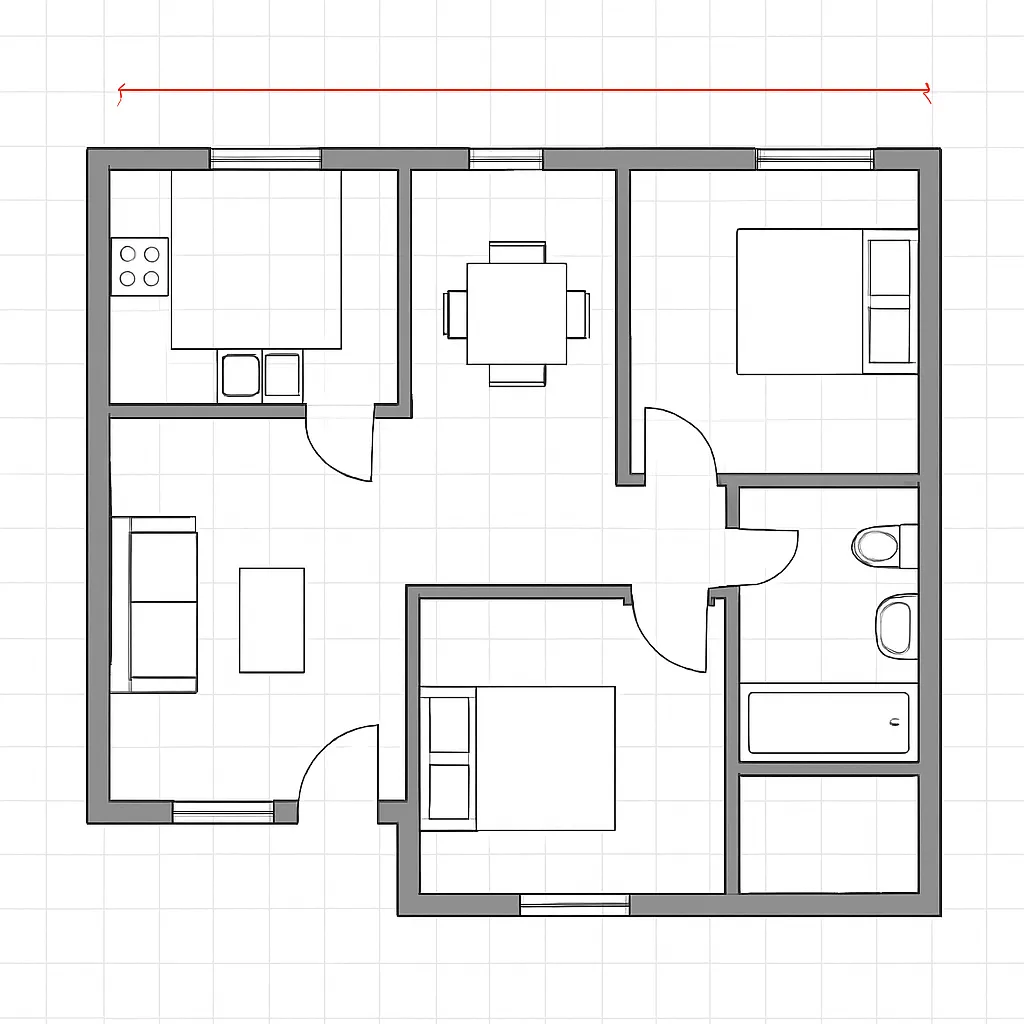
Arrange furniture and plan room layouts effortlessly with our AI floor planner. Visualize sofa placement, dining arrangements, and storage solutions in your actual space before making any purchases.
Room Perspective Changer — Frequently Asked Questions
Helpful answers about generating multiple views from a single photo.
Get Started with Room Perspective Changer Free
Upload one photo and generate multiple views and a new angle in seconds—completely free.