
Click to upload or drag image here
Supports JPG, PNG, GIF up to 50MB
Have a sketch or rough layout?
Try Sketch to Floor Plan to create a clean floor plan.
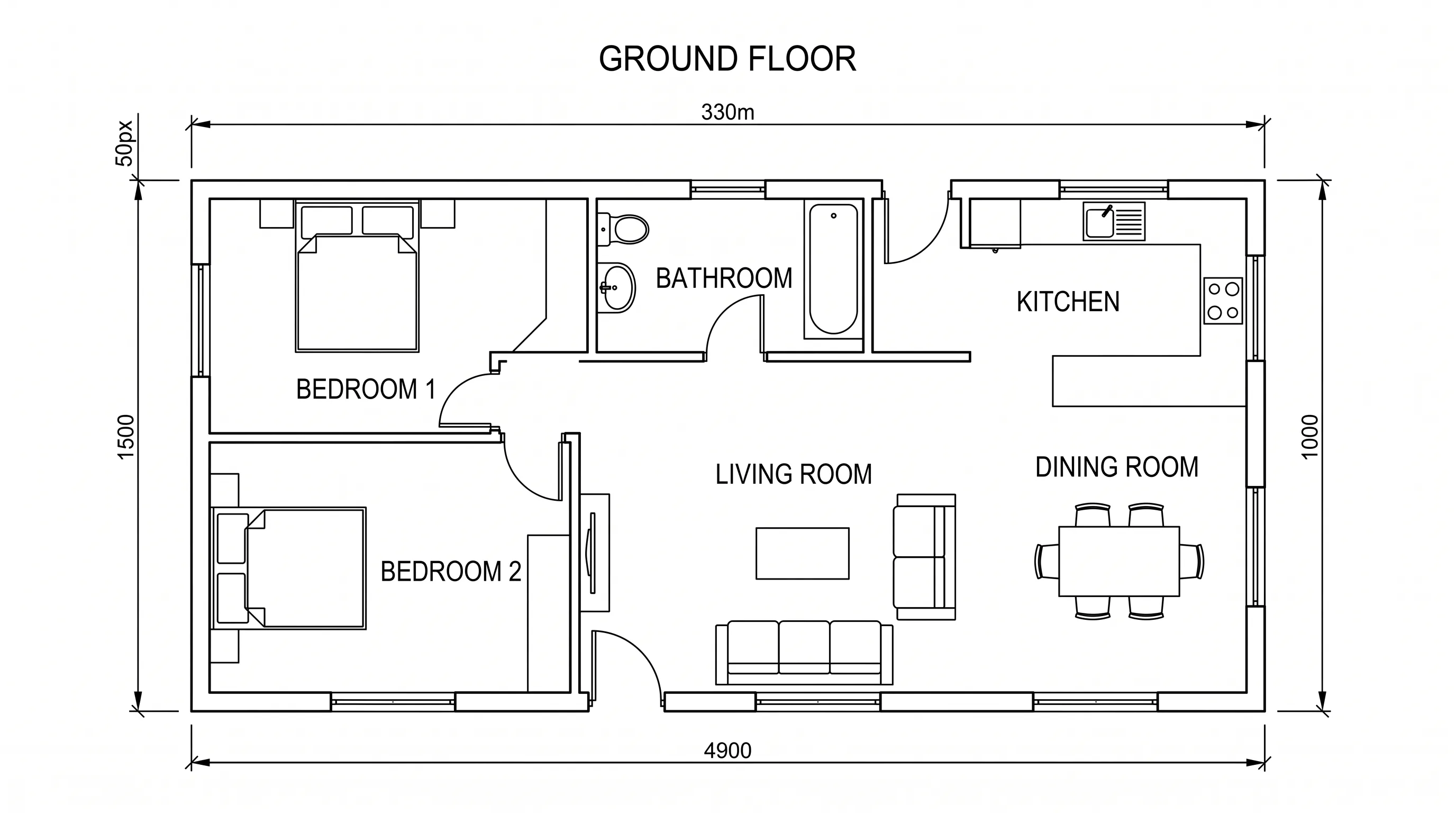
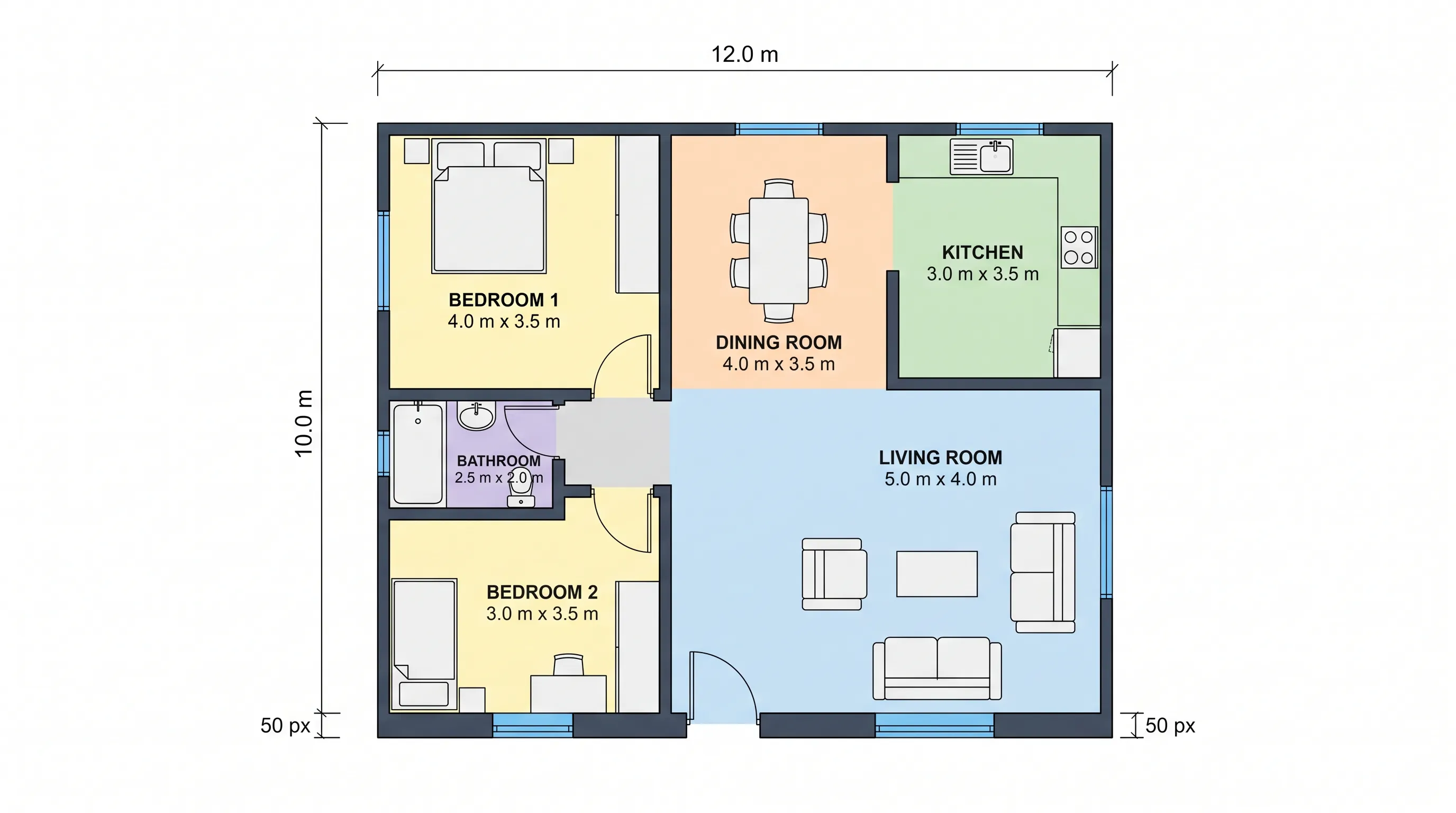
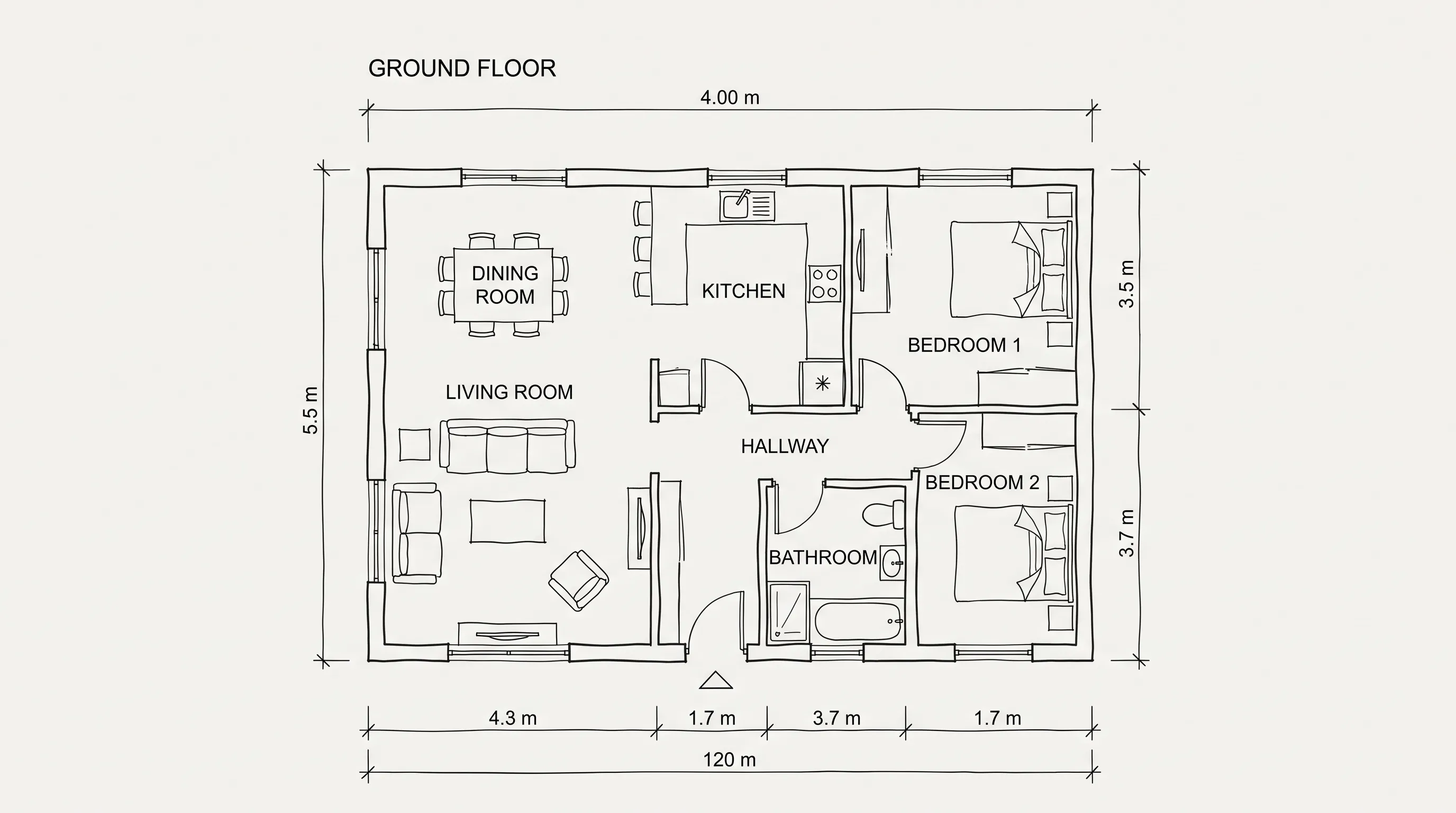
0/500
Upload a floor plan image and generate a digital layout with AI.
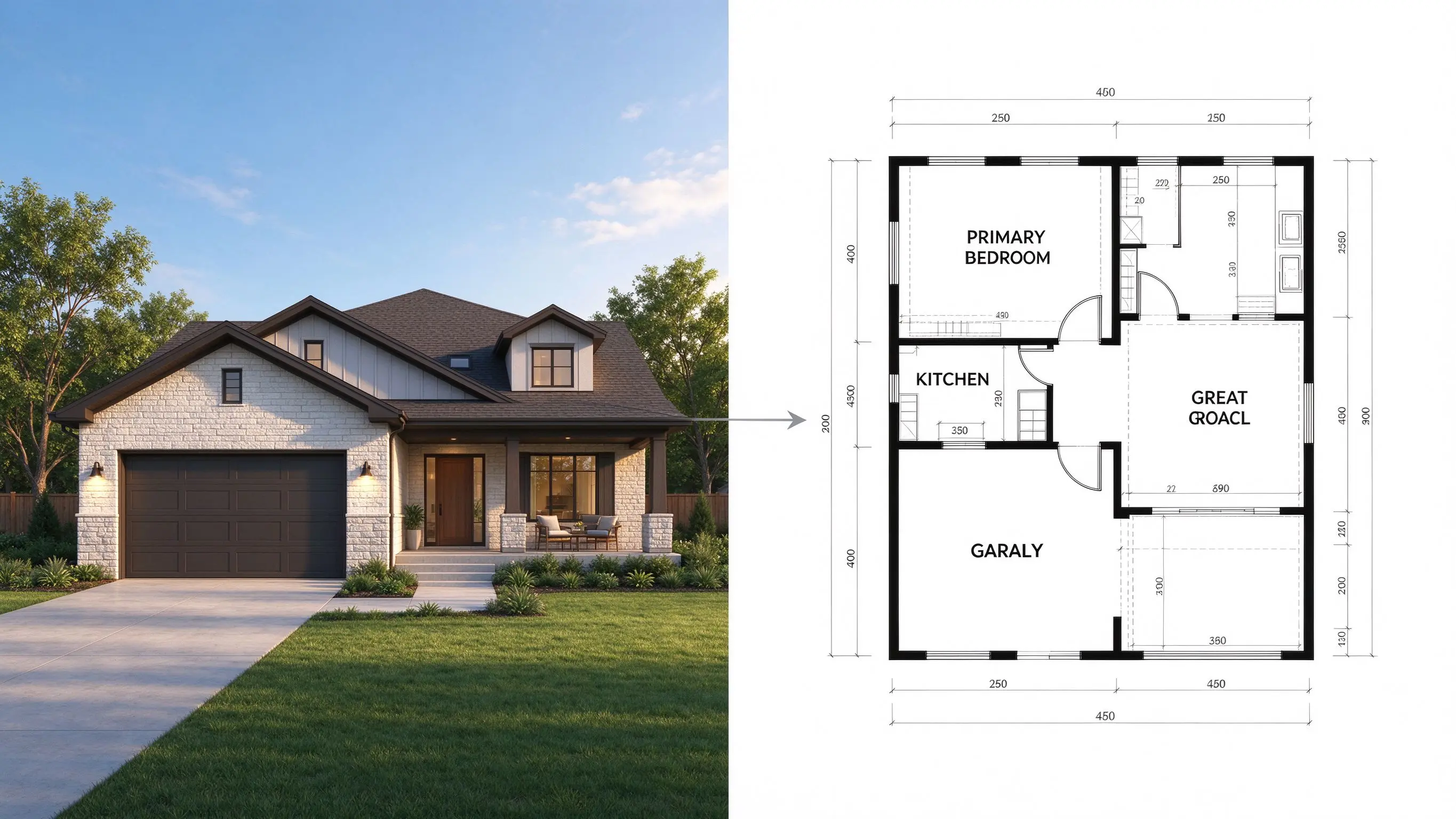
Convert Image to Floor Plan with AI Online
Turn an existing floor plan image into a digital layout with Home Design AI. Upload your reference image and generate a floor plan to explore room arrangements and home design ideas.
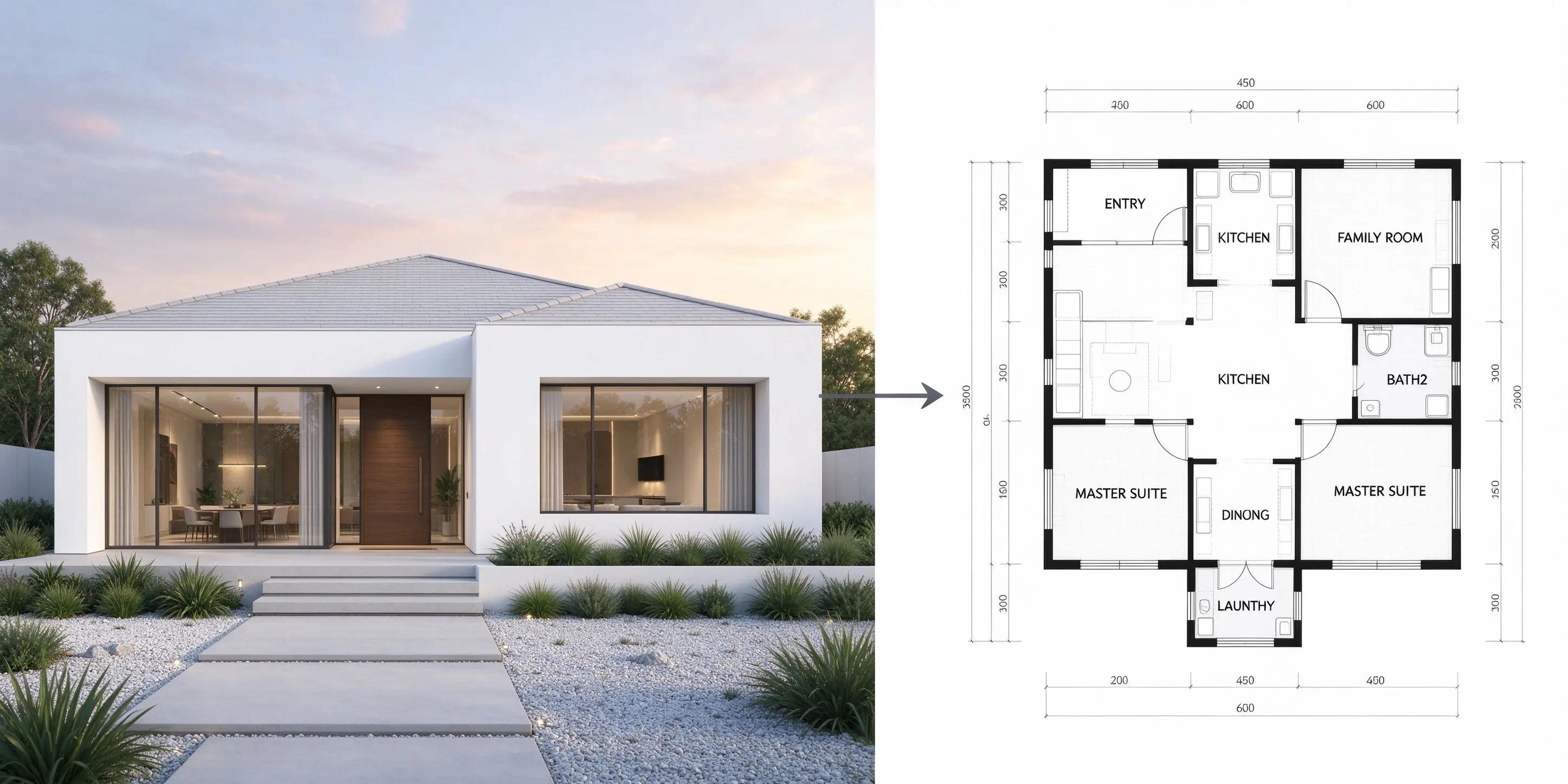
A Simpler Way to Convert Images to Floor Plans
Turn an existing floor plan image into a digital layout with an AI-powered workflow.
Start with Your Existing Floor Plan Image
Already have a floor plan image? Upload your reference to Home Design AI and use it as the starting point for generating a digital layout. This image-based workflow helps you work from an existing plan instead of recreating the entire layout from scratch.
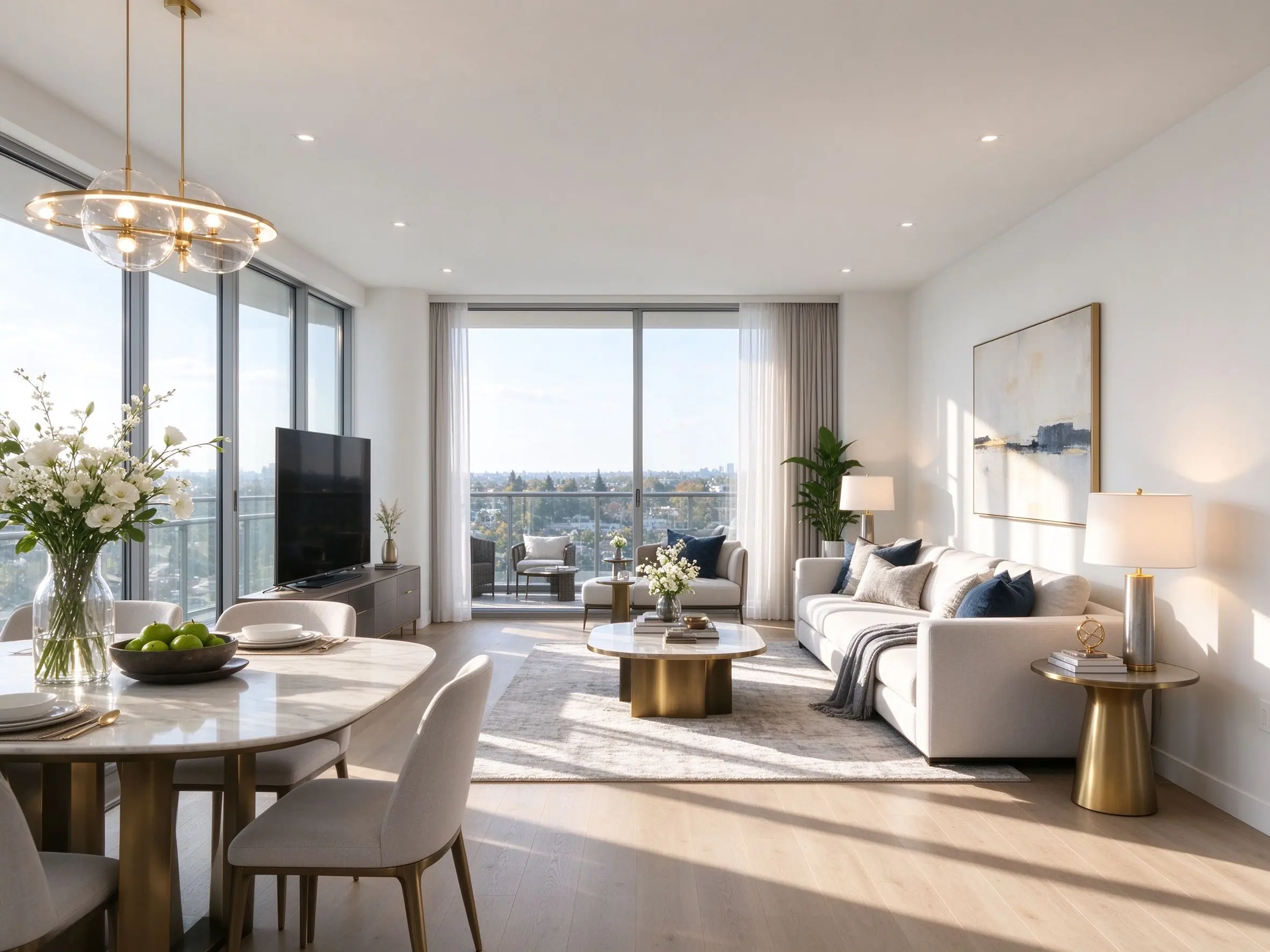
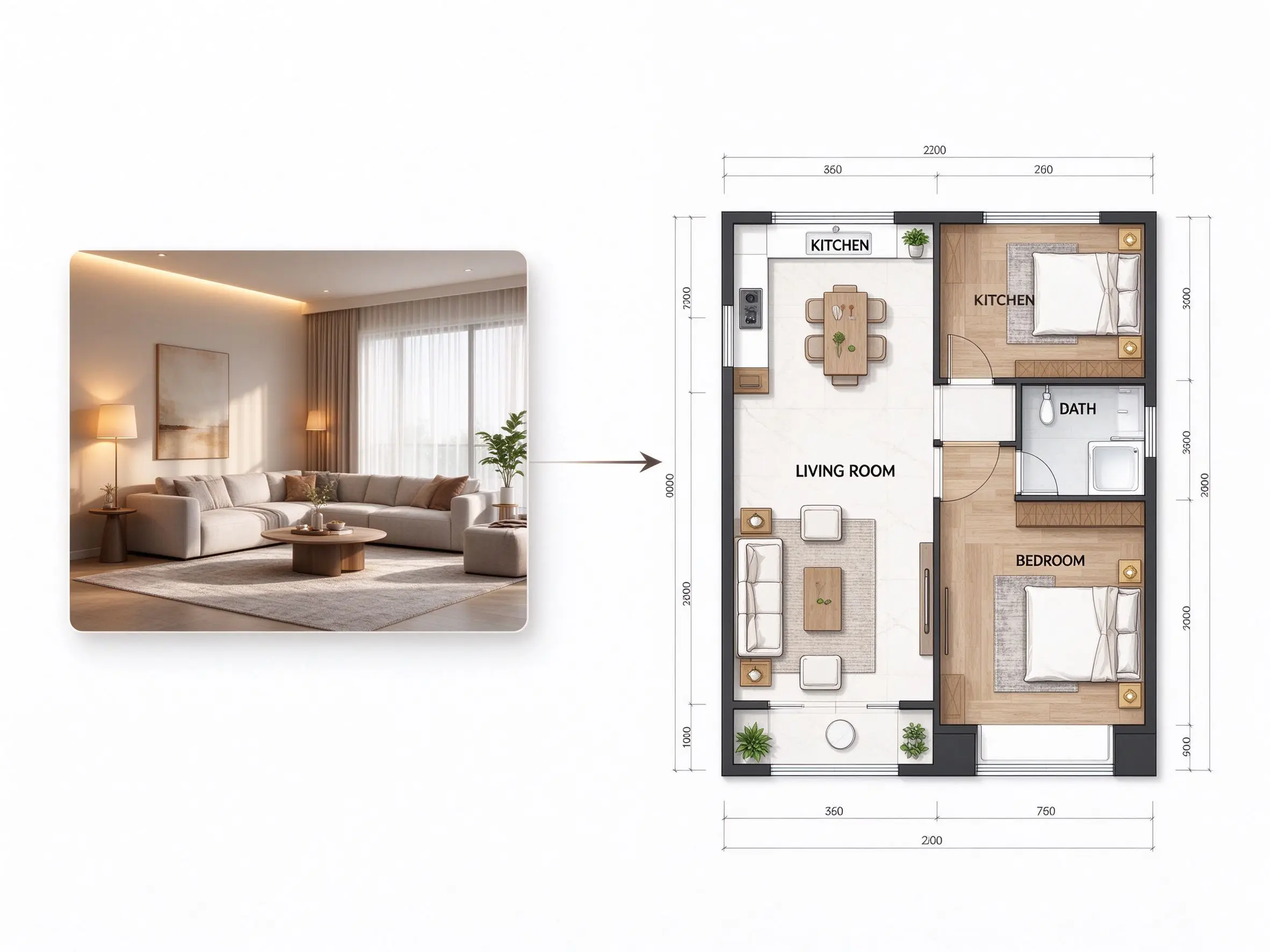
Generate a Floor Plan from an Image with AI
Use AI to generate a floor plan based on your uploaded reference. The result gives you a visual starting point for exploring the layout of your space without having to draw every element manually before generation.
Explore Your Layout Before Planning Further
Review your generated floor plan to explore the arrangement represented by your reference image. Use the result to develop home layout ideas and identify details that may need further review before making renovation or construction decisions.
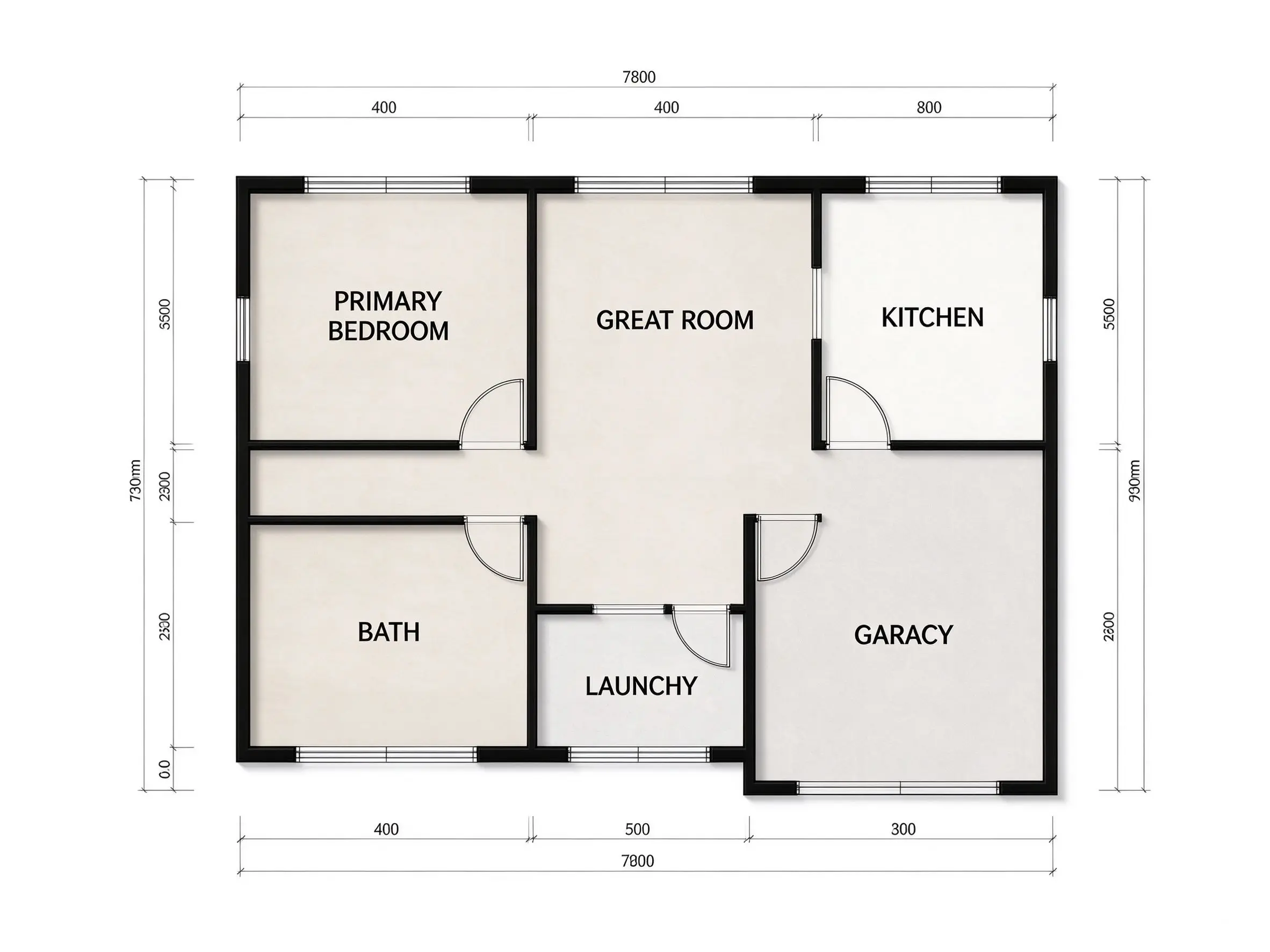
Create Digital Floor Plans from Images with AI
Explore how Home Design AI helps you turn an existing floor plan image into a digital layout.
Generate a floor plan from an uploaded reference image with Home Design AI. Instead of starting with a blank canvas, use an existing floor plan image as the basis for generating a digital representation of your layout.
Use the online image-to-floor-plan tool to submit a supported reference image and generate a floor plan. This workflow provides a convenient way to work with an existing plan without manually recreating the entire drawing.
Start with a floor plan image you already have and generate a digital layout based on that reference. This is useful when you want to review an existing room arrangement or use a plan image as the starting point for further home planning.
Use a supported picture of an existing floor plan as your input. Home Design AI generates a floor plan based on the uploaded reference, helping you move from a static image to a digital layout for visual exploration.
Preview the generated result and compare it with your original reference. Check the room arrangement and visible structural details carefully, since an AI-generated layout may not reproduce every element of the source image accurately.
Access the Home Design AI tool in your browser to upload a supported reference and generate a floor plan. Start with your existing image and use the resulting layout to explore home design ideas. Find an arrangement that better suits your needs.
How to Convert an Image to a Floor Plan with AI
Upload your reference image, generate a floor plan, and review the result in three steps.
Upload Your Floor Plan Image
Open the Image to Floor Plan tool and upload a supported image of your existing floor plan. Choose a clear reference that shows the layout you want to convert.
Generate a Floor Plan with AI
Start the generation process to create a floor plan based on your uploaded reference. The result provides a digital visual representation to help you explore the layout.
Preview and Review Your Floor Plan
Review the generated result and compare it with your original image. Verify important dimensions and structural details independently before using the layout for renovation or construction planning.
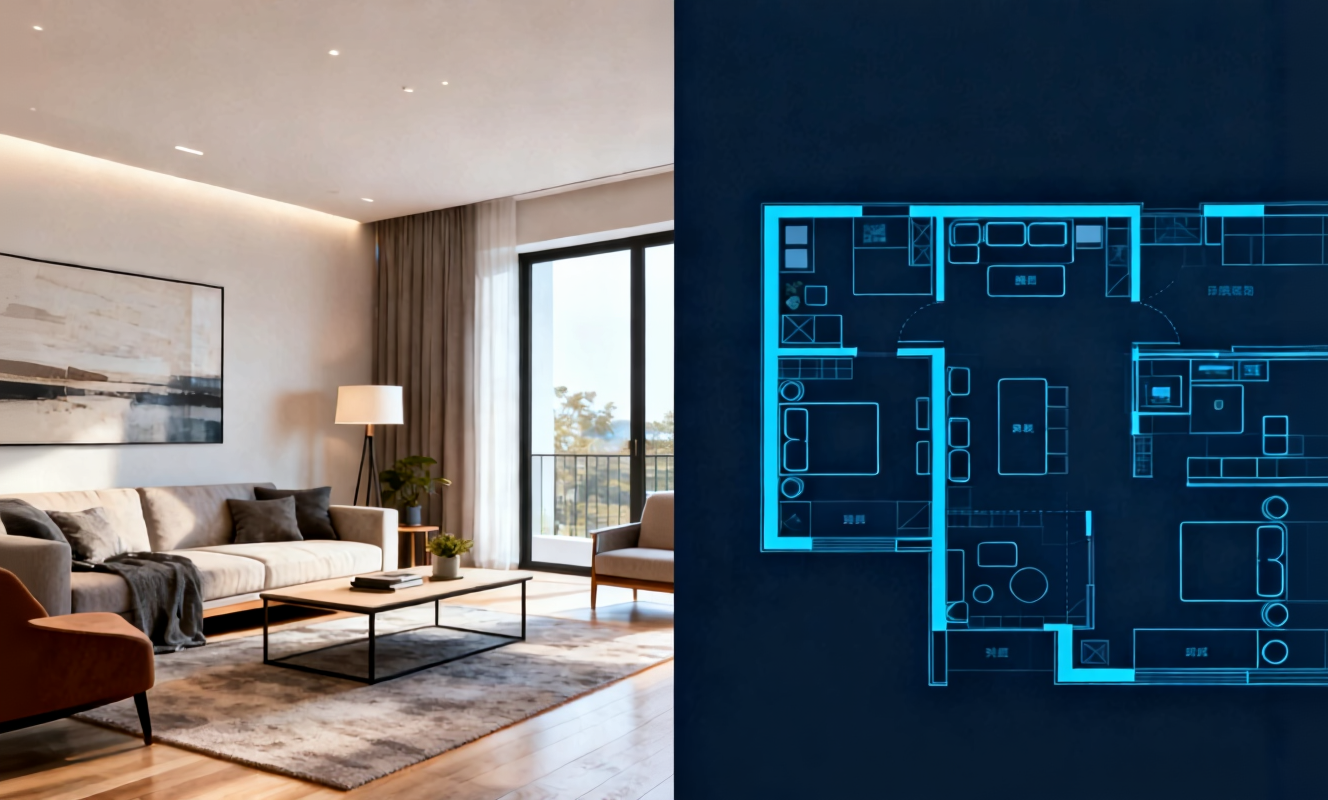
Transform any room instantly with our AI room design tool. Upload a photo of your bedroom, living room, or kitchen and watch the AI generate stunning redesigns in Modern, Scandinavian, Japandi, and more interior styles.

Create detailed floor plans in minutes with our floor plan AI generator. Design 2D layouts and 3D room visualizations for apartments, houses, and commercial spaces without architectural experience.

Home Design AI is an intuitive tool that helps you instantly generate interior, exterior, and garden design ideas based on your preferences. With advanced AI, it transforms simple inputs into realistic layouts and inspiring visual concepts, making home design faster and more accessible for everyone.
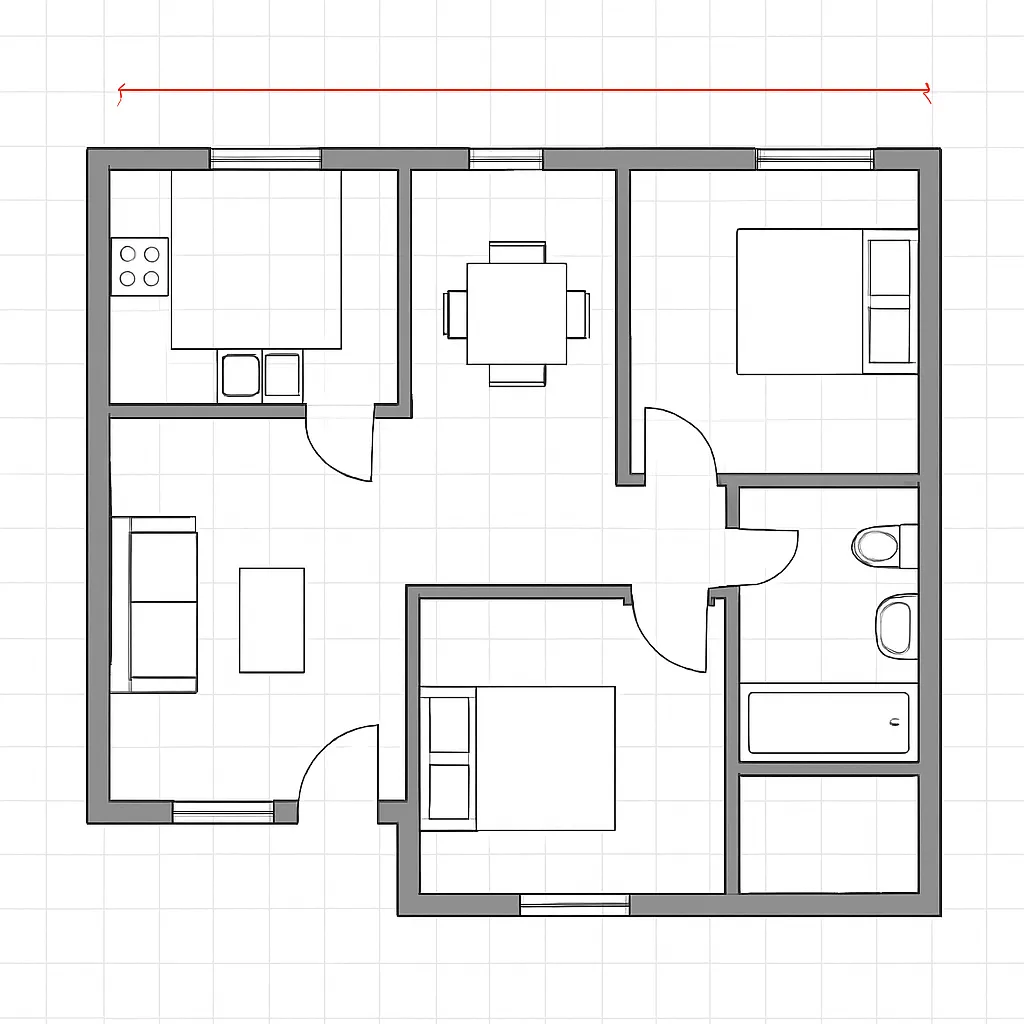
Arrange furniture and plan room layouts effortlessly with our AI floor planner. Visualize sofa placement, dining arrangements, and storage solutions in your actual space before making any purchases.
Image to Floor Plan FAQs
Learn how to use Home Design AI to generate floor plans from existing references.
Turn Your Image into a Floor Plan
Upload an existing floor plan image and use Home Design AI to generate a digital layout for exploring your space.