
Upload Your House Photo
Click to upload or drag and drop
JPG, PNG or WEBP • Max 50MB
Choose areas to update
Choose exterior colors
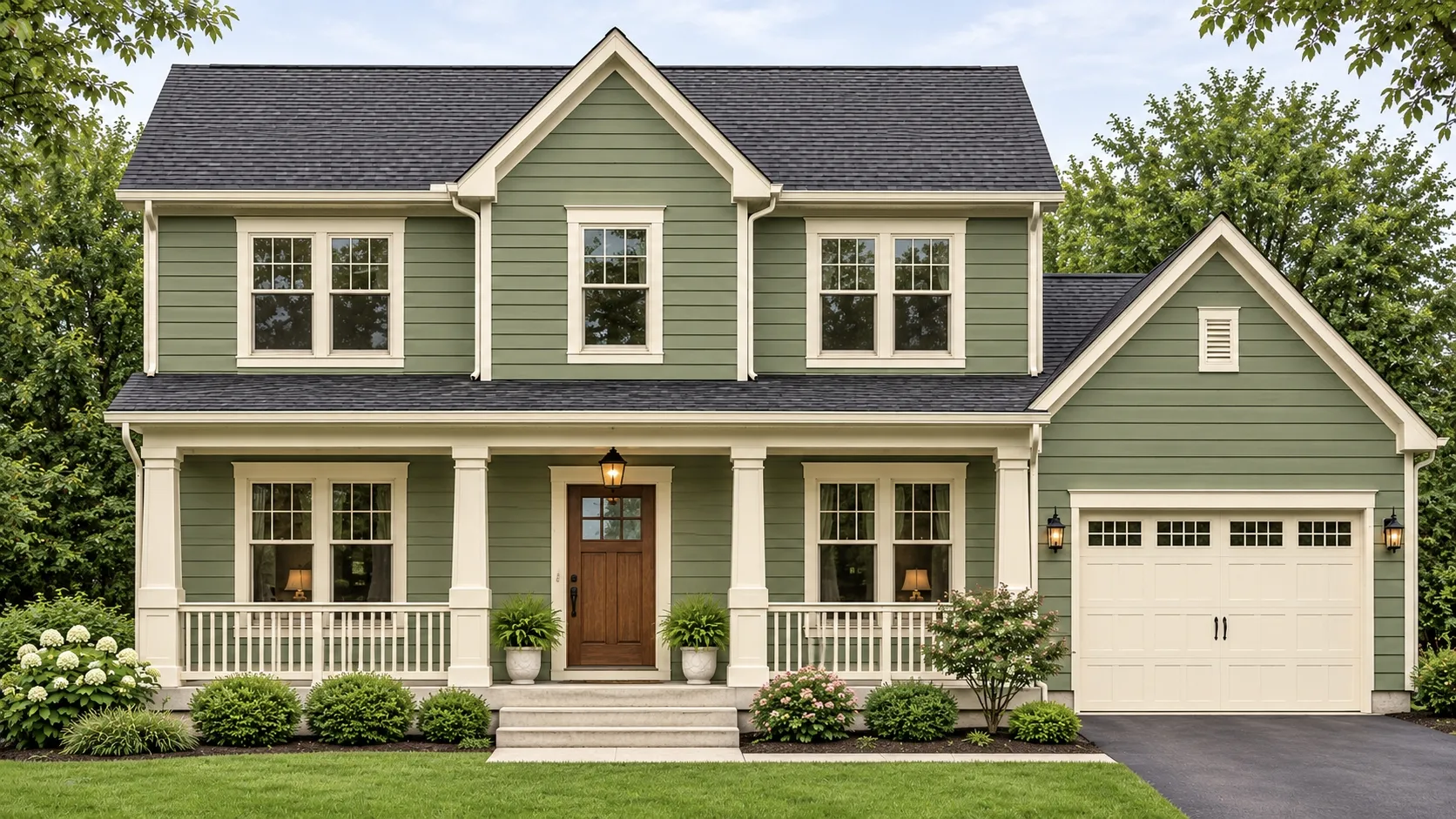
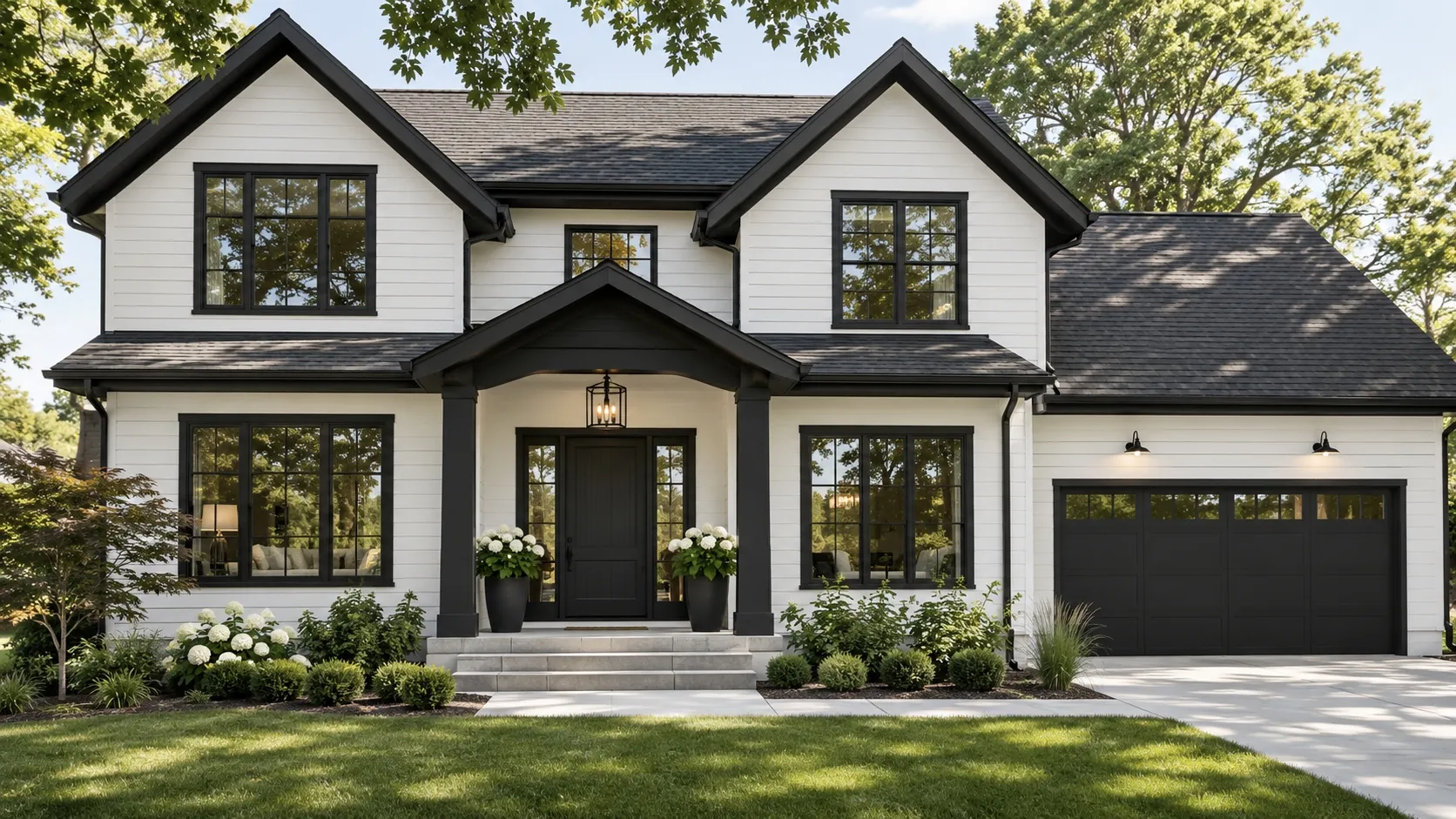
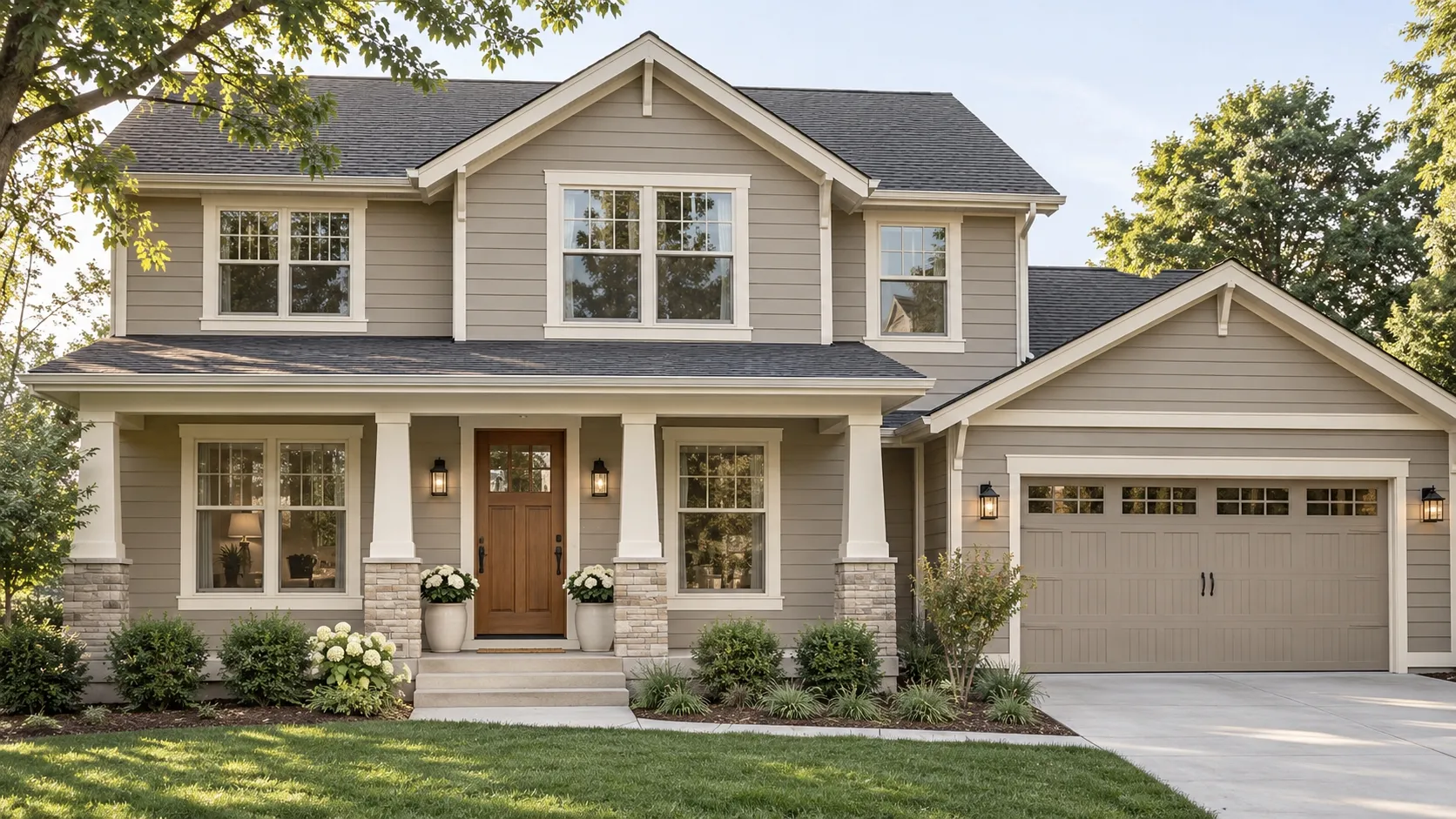
Upload a reference image
Use a color palette you like
Choose material finish
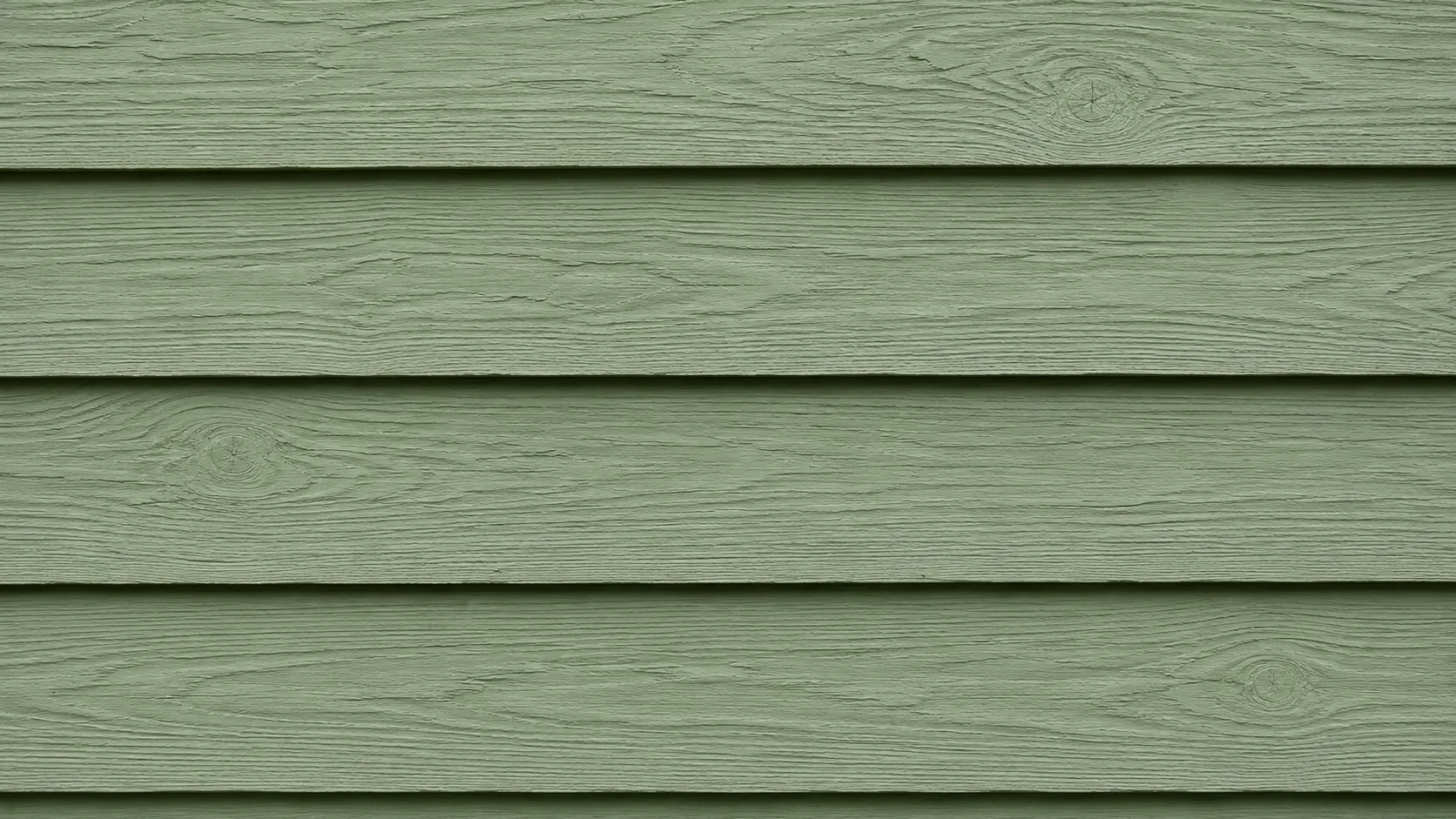
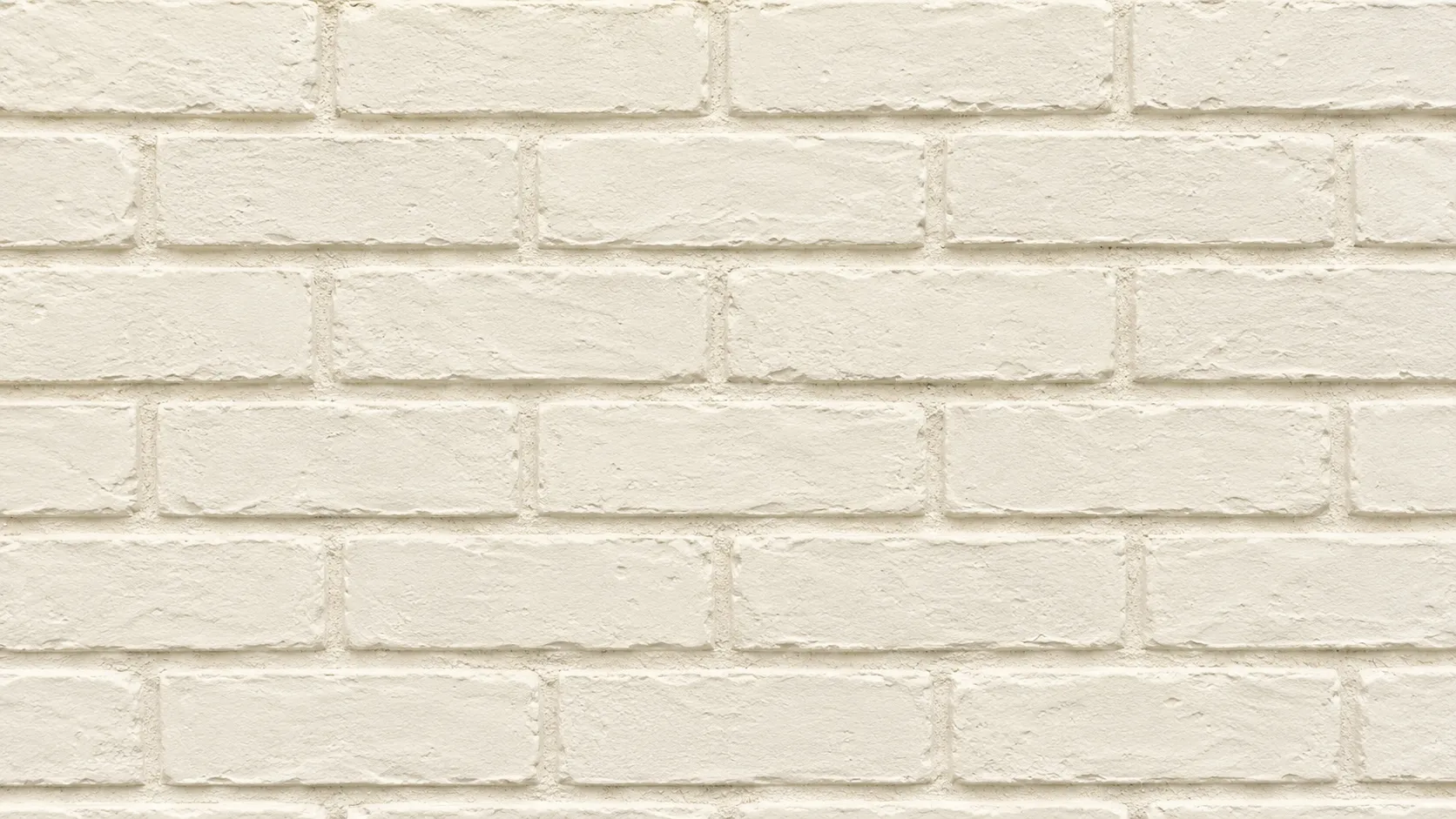

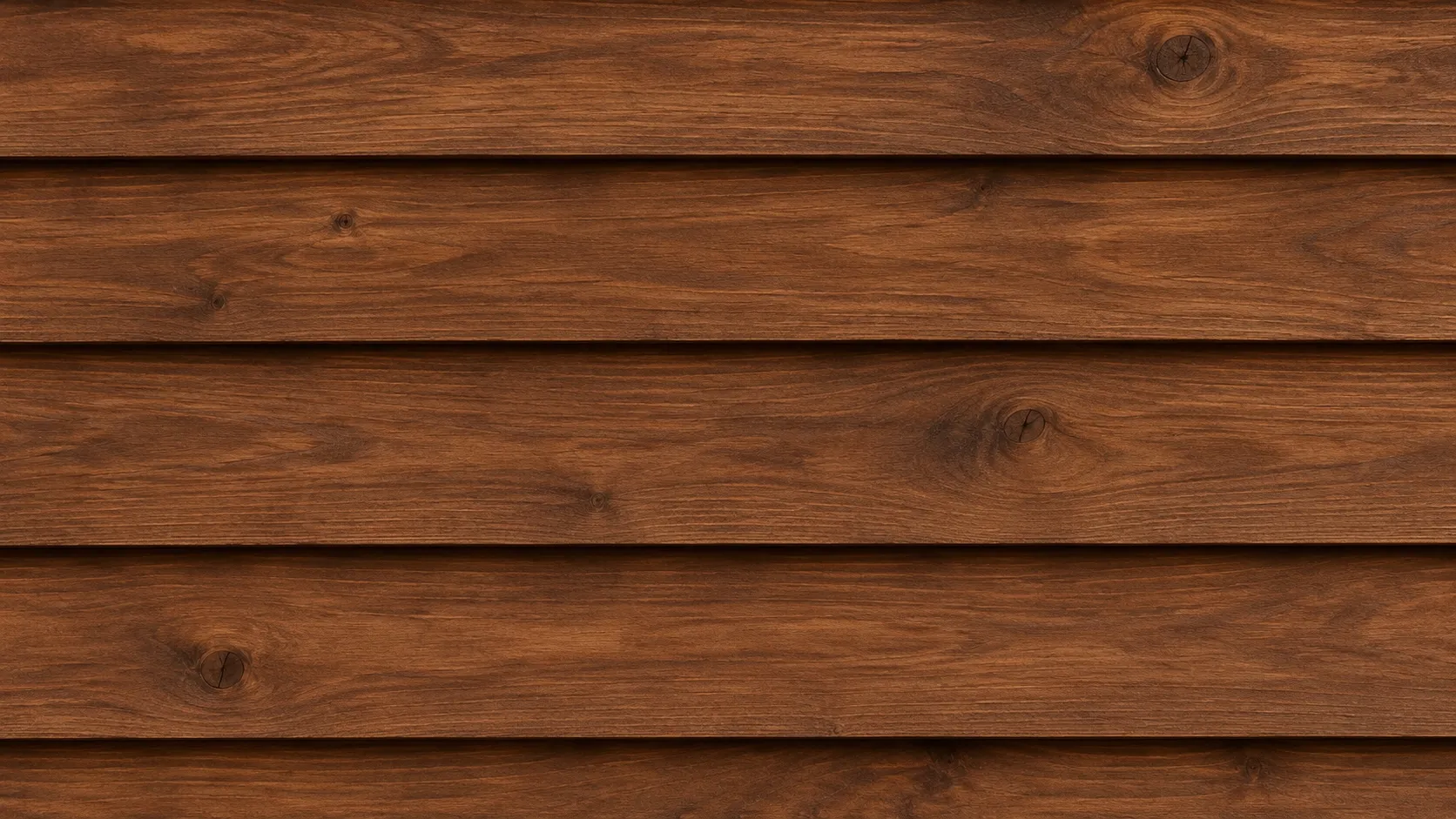
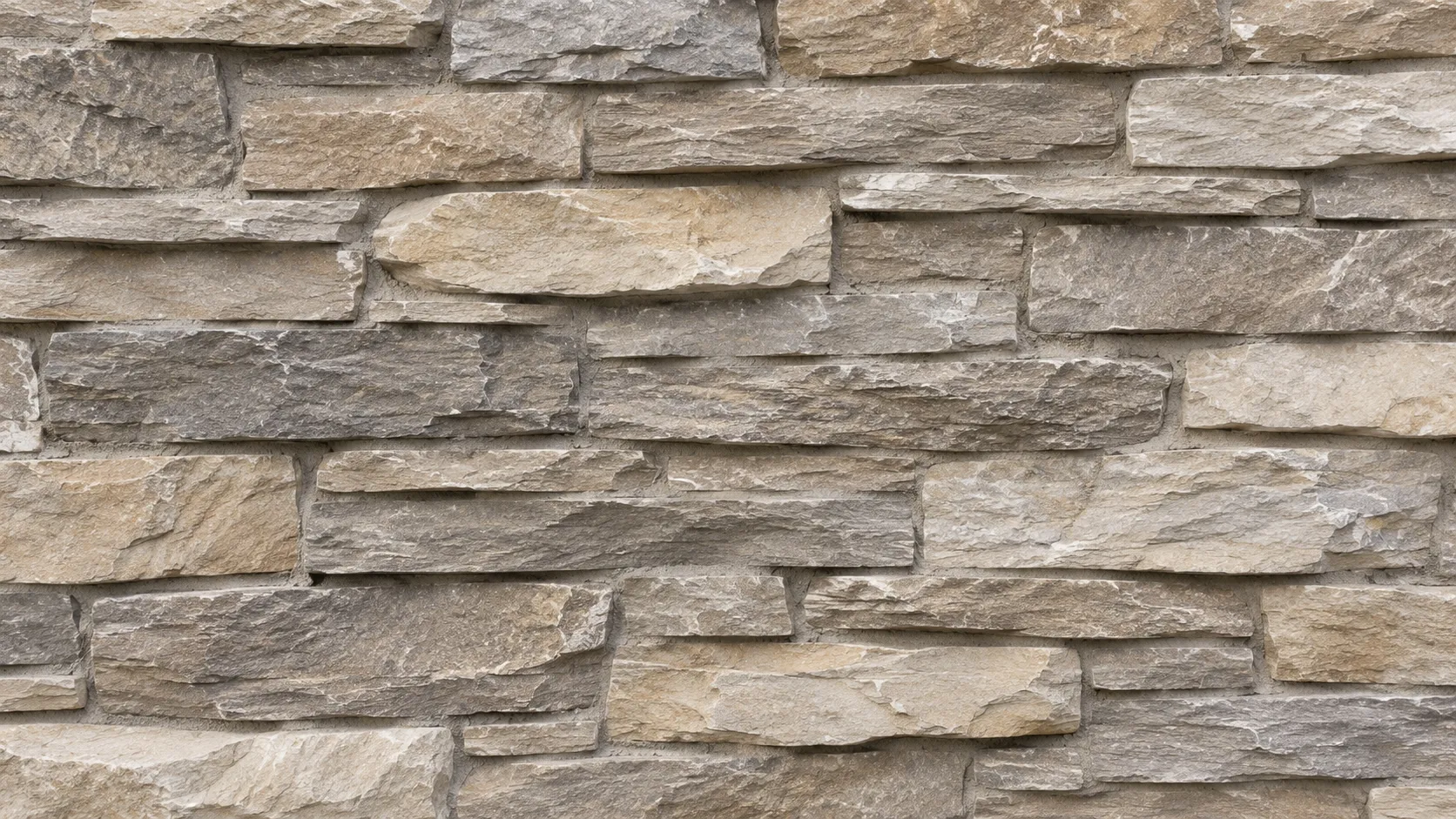
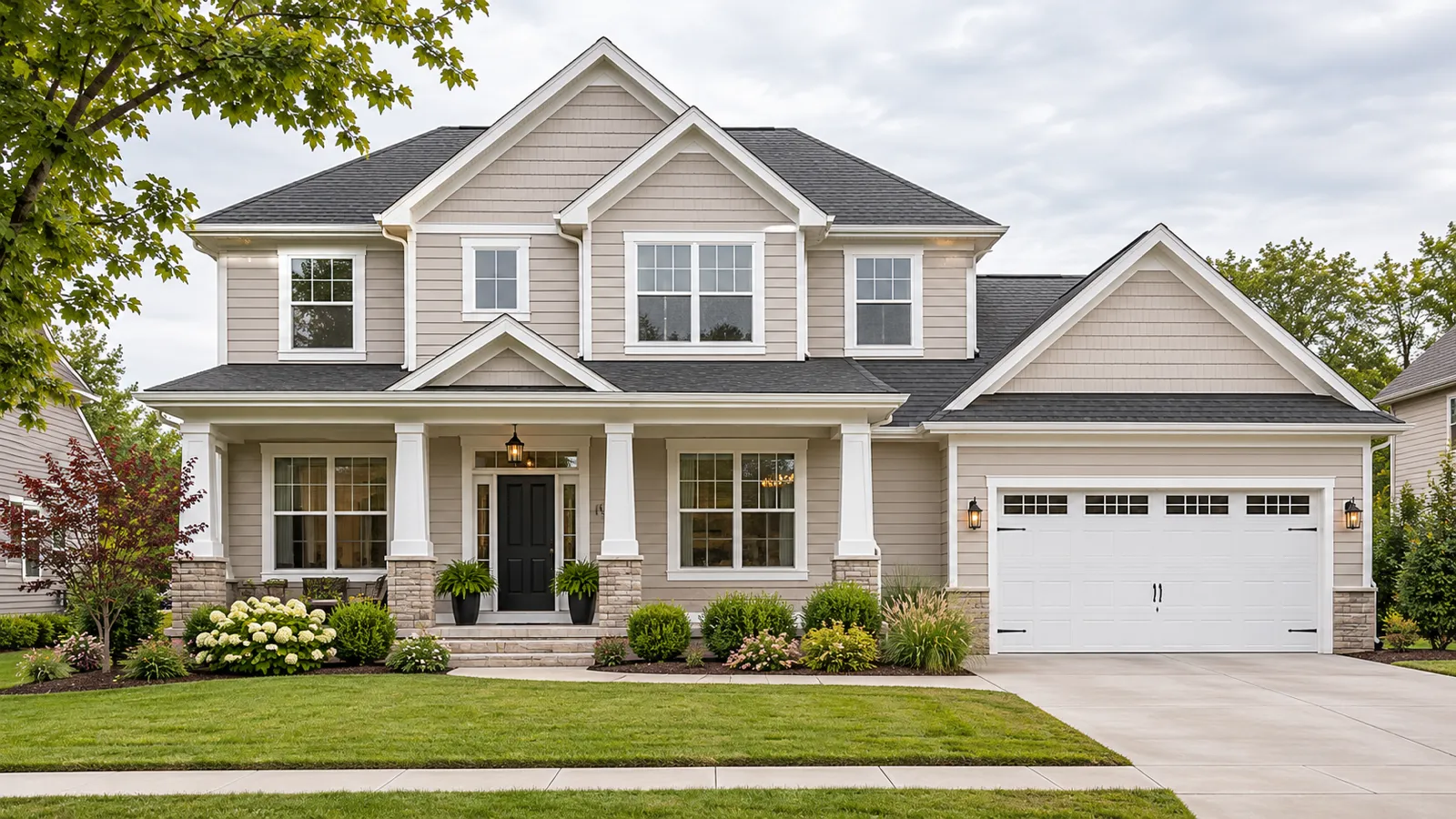
Upload a house photo to compare paint colors, siding and exterior material finishes while keeping the original architecture.
Visualize Exterior Paint Colors on Your House
Upload a photo of your house and explore new exterior paint colors and material finishes in seconds. Preview siding, trim, doors, brick, stone and other surfaces while keeping the original character of your home.
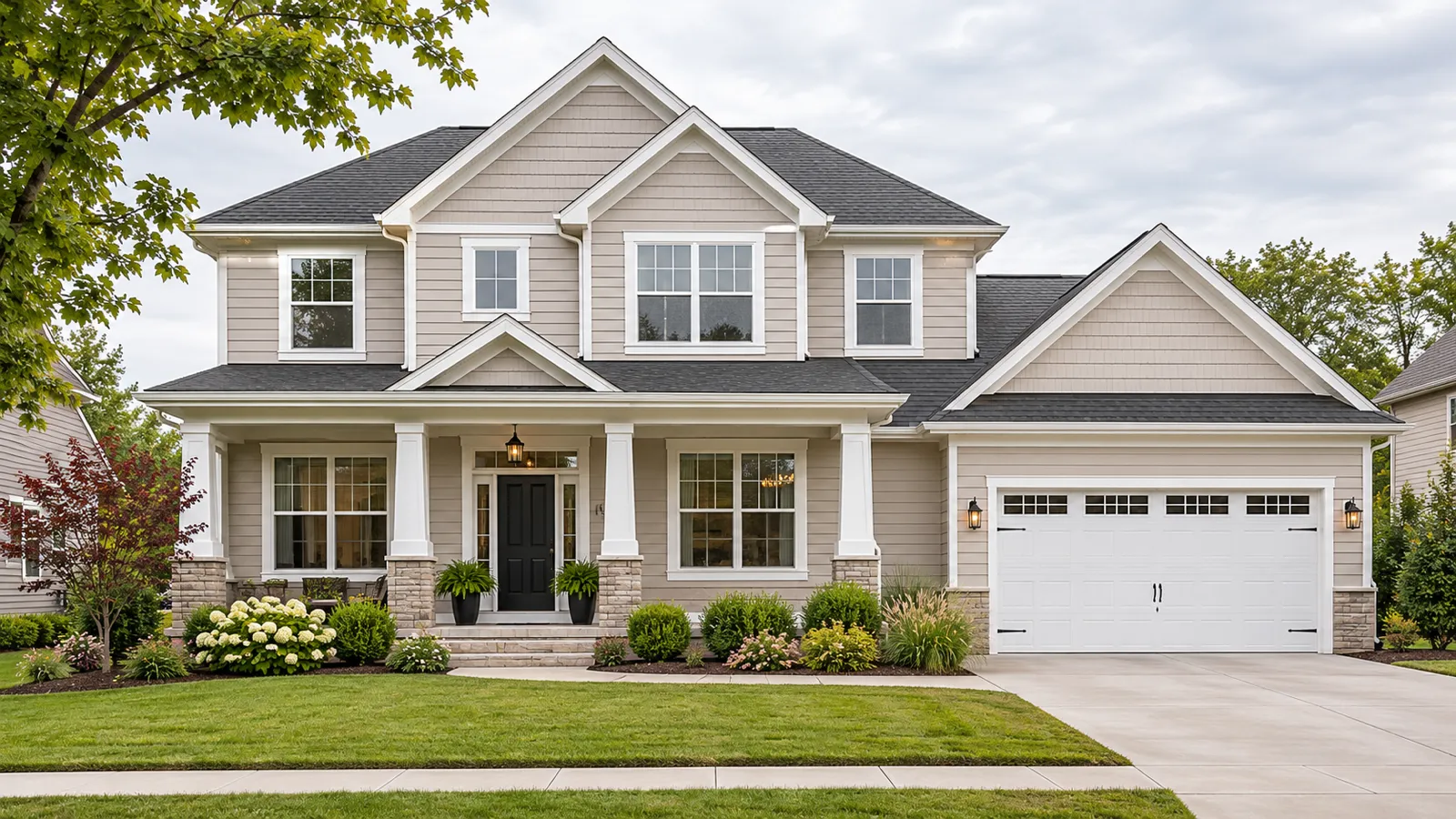
Preview Exterior Colors and Materials on Your Own Home
Color swatches and material samples can be difficult to imagine at the scale of an entire house. Preview possibilities in context before making a real-world change.
Upload a House Photo and Select the Area to Change
Start with a clear photo of your home exterior. Choose the siding, main walls, trim, front door, garage door, shutters or another visible surface you want to update.
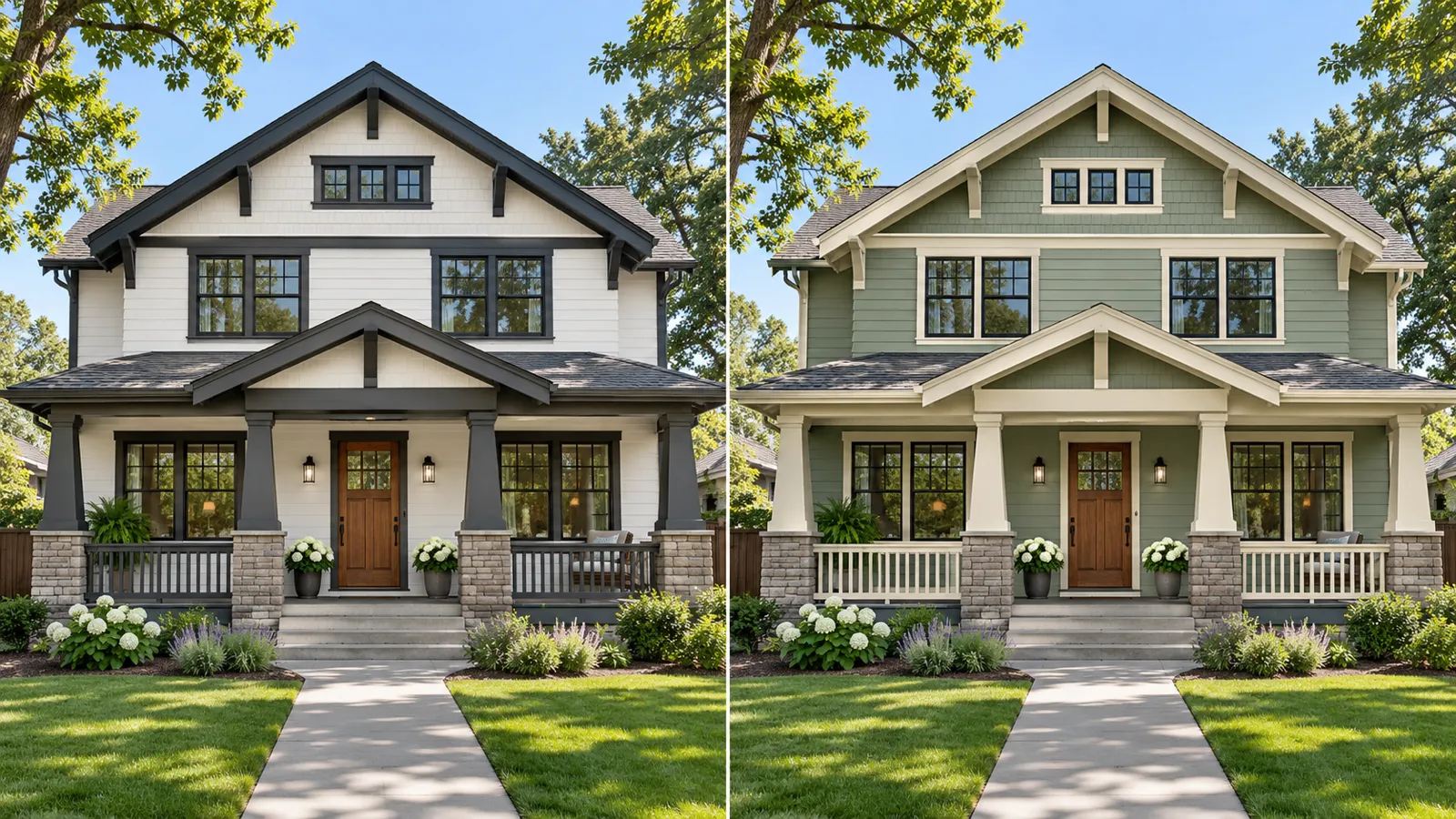
Match Siding, Exterior Paint Colors and Material Finishes to Your Home
Explore warm neutrals, modern contrasts, natural greens, coastal blues and other color directions. Apply different colors to the body, trim and doors to create a coordinated exterior palette.
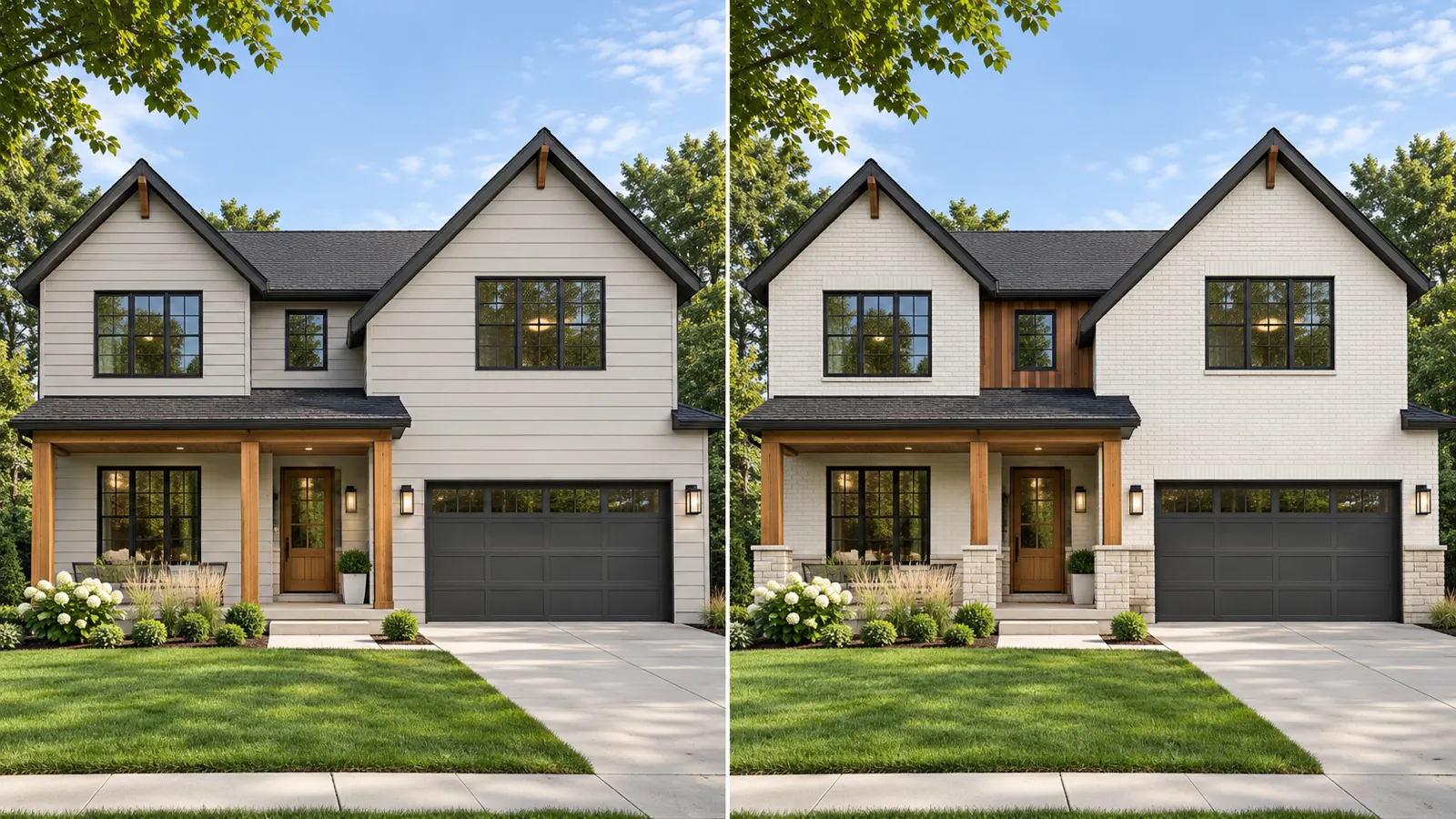
Compare Siding, Brick, Stone and Exterior Finishes
Go beyond color and explore general material directions such as horizontal siding, board and batten, painted brick, stucco, stone and wood finishes.
AI Exterior Paint Visualizer Features
Explore exterior updates without creating a 3D model or learning complicated design software.
Upload a house photo and see new exterior colors on the home you already own.
Compare paint, siding, brick, stucco, stone and wood-inspired finishes in seconds.
Test coordinated colors for siding, trim, shutters, front doors and garage doors.
Change the finish while keeping the main shape, windows, doors and roofline familiar.
Review the original and updated exterior side by side before choosing a direction.
Generate several palettes so you can compare light, dark, neutral and bold combinations.
How to Visualize Exterior Paint Colors in 3 Steps
Create an exterior color or material preview from a single house photo.
Upload Your House Photo
Choose a clear daylight photo showing the full front of your home.
Choose Colors and Surfaces
Select siding, trim, brick, stucco, doors or other areas you want to change.
Generate and Compare
Create your preview, compare it with the original and try more color combinations.
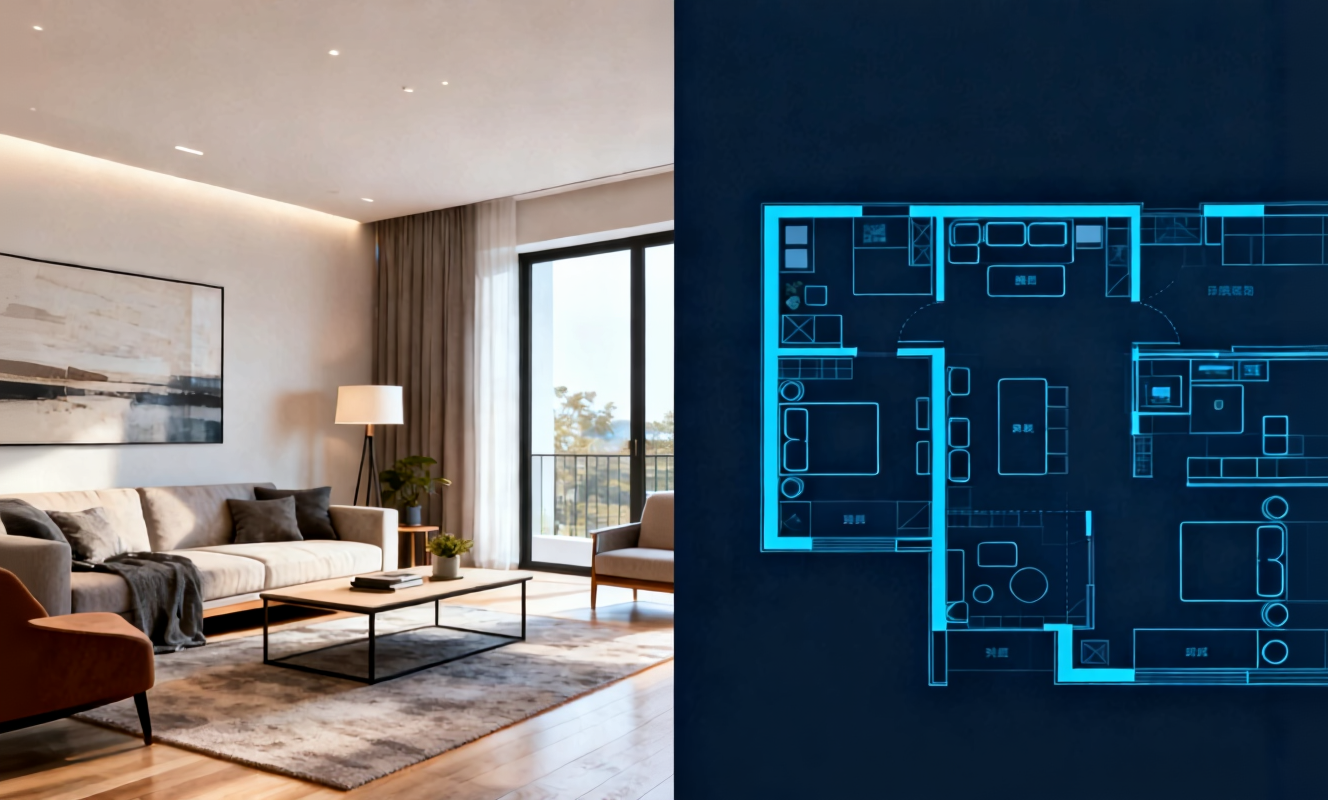
Transform any room instantly with our AI room design tool. Upload a photo of your bedroom, living room, or kitchen and watch the AI generate stunning redesigns in Modern, Scandinavian, Japandi, and more interior styles.

Create detailed floor plans in minutes with our floor plan AI generator. Design 2D layouts and 3D room visualizations for apartments, houses, and commercial spaces without architectural experience.

Home Design AI is an intuitive tool that helps you instantly generate interior, exterior, and garden design ideas based on your preferences. With advanced AI, it transforms simple inputs into realistic layouts and inspiring visual concepts, making home design faster and more accessible for everyone.
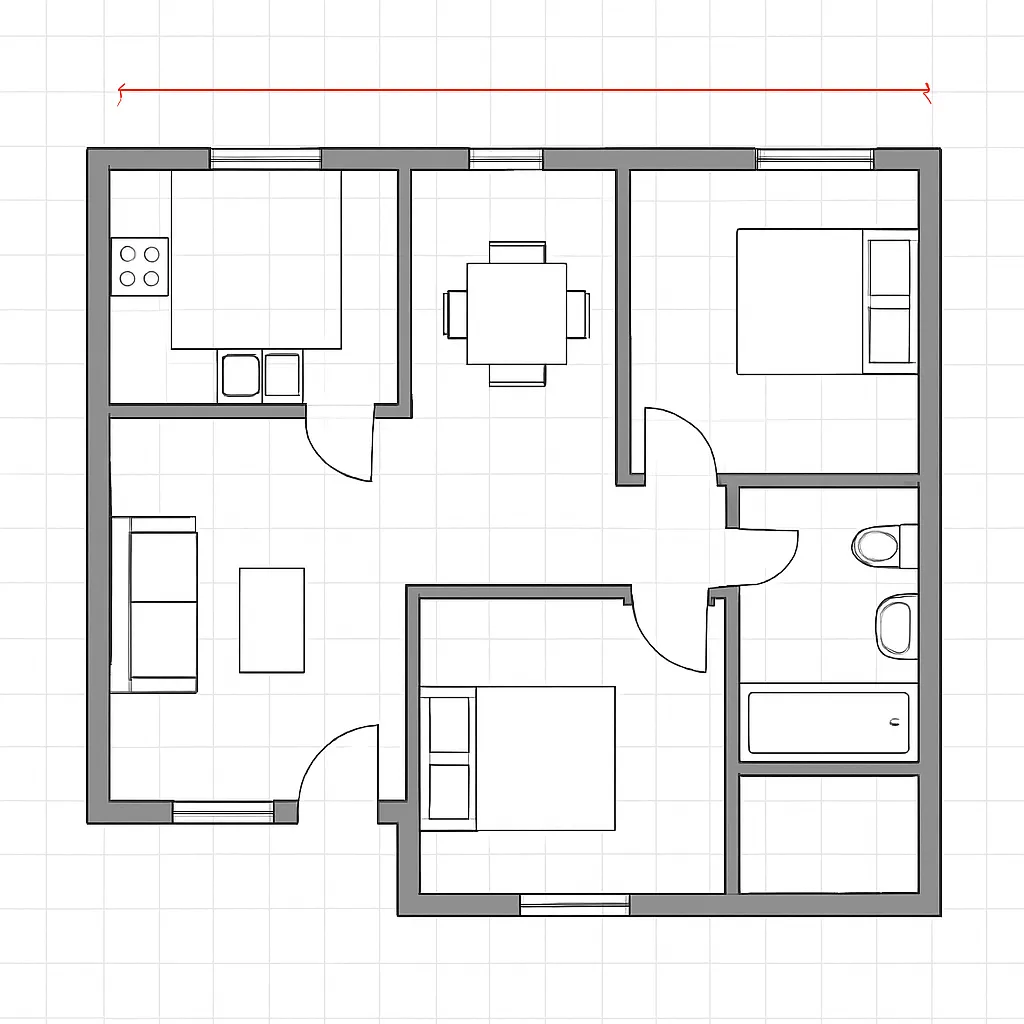
Arrange furniture and plan room layouts effortlessly with our AI floor planner. Visualize sofa placement, dining arrangements, and storage solutions in your actual space before making any purchases.
Exterior Paint Visualizer FAQ
Practical answers about previewing exterior house colors, siding and finishes from a photo.
Preview a New Exterior Color on Your House
Upload a photo and compare exterior paint colors, siding and material finishes before making a change.